Hi,
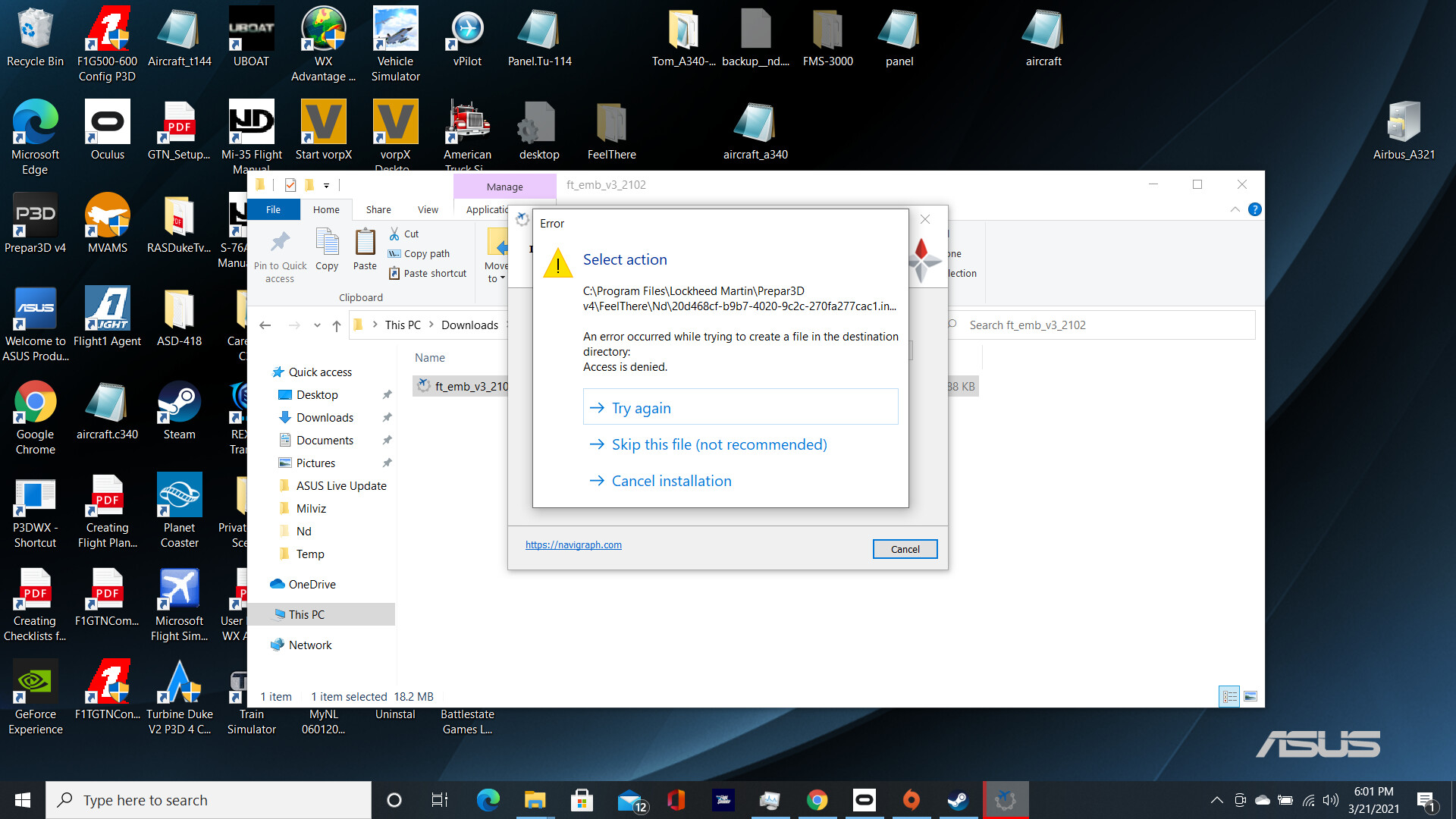
I’ve tried to install AIRAC 2102 for the FeelThere E195 and MilViz KA350i and for both attempts I get the same error message: "An error occured while trying to create a file in the destination directory: Setup was unable to create the directory ‘C:\Program Files\Lockheed Martin\Prepar3d v4\FeelThere\Nd\NAVData-Backup’.
Error 5: Access is denied."
It also references the path “C:\Program Files\Lockheed MArtin\Prepar3d v4\FeelThere\Nd\NAVData-Backup\nd.db3”
I get a similar error message for the MilViz FMS data. I use the manual install method as I have for the last several years and this is the first I’ve experienced this issue.
It seems you have a restriction on creating the backup directory. It is not recommended to install an FS into a Program Files directory due to the restrictions the operating system places on such directories. Better to install to say C:\P3D.
Why this has just started this behaviour I don’t know.
As a work around try unselecting If you want to make a backup of your current installed AIRAC cycle.
No joy.
I tried changing the security permissions, I even tried installing the FMS data to a dummy folder on my desktop then copying that over to P3D and overwriting. Still No luck. Might try with the MV KA350 though just to be sure
Okay so using the copy from desktop method I described in my last post, I was able to successfully update the FMS for the KA350, but not the FeelThere E195. As far as I know it should be compatible with Navigraph updates, so I don’t know what’s going on there. I’m a little scared to try with PMDG and QW planes, but we’ll see.
Looks like my edit just missed your reply. I have a screenshot of the error message I get when installing without the backup option. Might not make a difference as far as the solution though