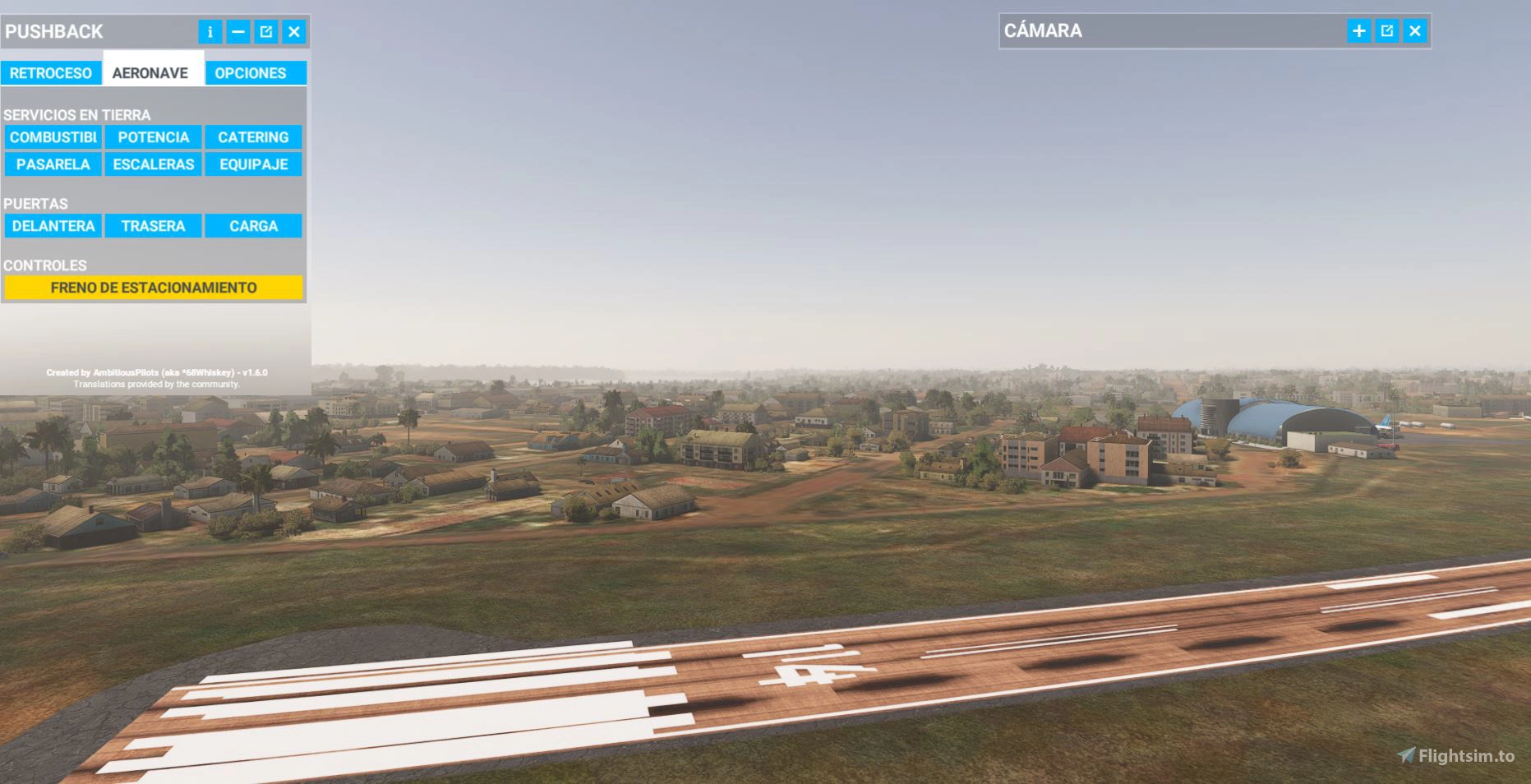
Hi, we are a scenery developer and users are having an issue when they have our scenery from SLRI and your addon installed at the same time. It seems it is creating another runway on top of the one from our scenery. This is not an airport that comes in the MSFS by default so there shouldn’t be other runways to overlap on the one from our scenery. We’ve tested the aiport with othe addons and only with navigraph we seem to be having this issue. Can you please look into this or if it’s a known issue can you please let us know how to get rid of the duplicated runway and solve this issue.
Hi,
I am not sure what you expect from us now. You must set your scenery to a higher priority and also the correct delete flags in your project.
We offer the runways because not everyone wants to install a 3rd party scenery. So, it’s a task on your side, not ours.
I don’t have your scenery, therefore I can’t test any solution for you. But please use the proper tool in MSFS to re-order the loading order. It is precisely designed for such cases.
Cheers
Richard
Yes we did change the priority in the Content.xml file and it fixed it. What is the proper tool you are talking about? And is there anything that we as developers can do on our end so the user don’t have to edit the content.xml file? We have already tried adding exclusion rectangles, deleting runways, taxiways, aprons from the airport properties and the issue is still there for the end user.
Thank you.
Hi,
Thanks for the feedback … With SU3 (also the beta), you must add the package_order_hint attribute.
MSFS2024 SDK - Package Order Hint
Usually, when this attribute is set, you don´t need to set the priority any longer because the sceneries will be loaded automatically after the navdata.
You don´t have this logic with 2020 , so you must set the priority manually or via the in-game re-order tool.
Cheers,
Richard