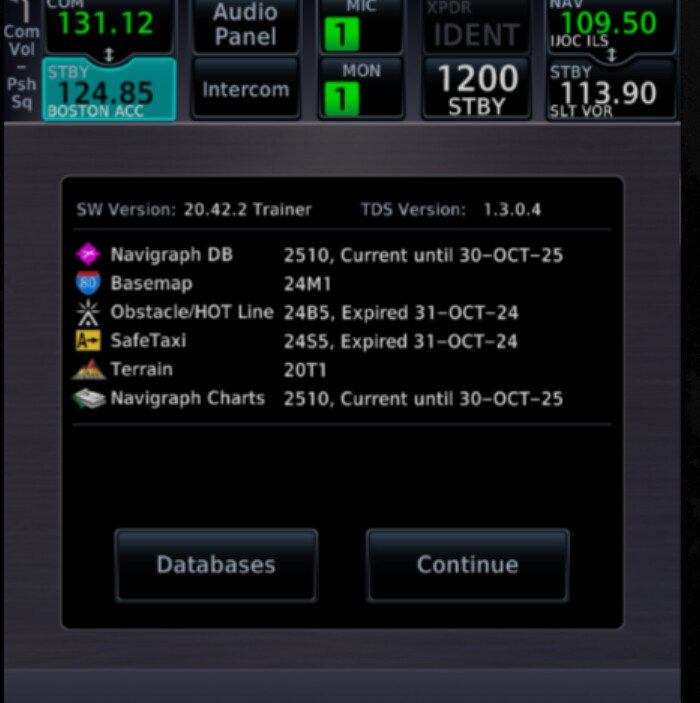
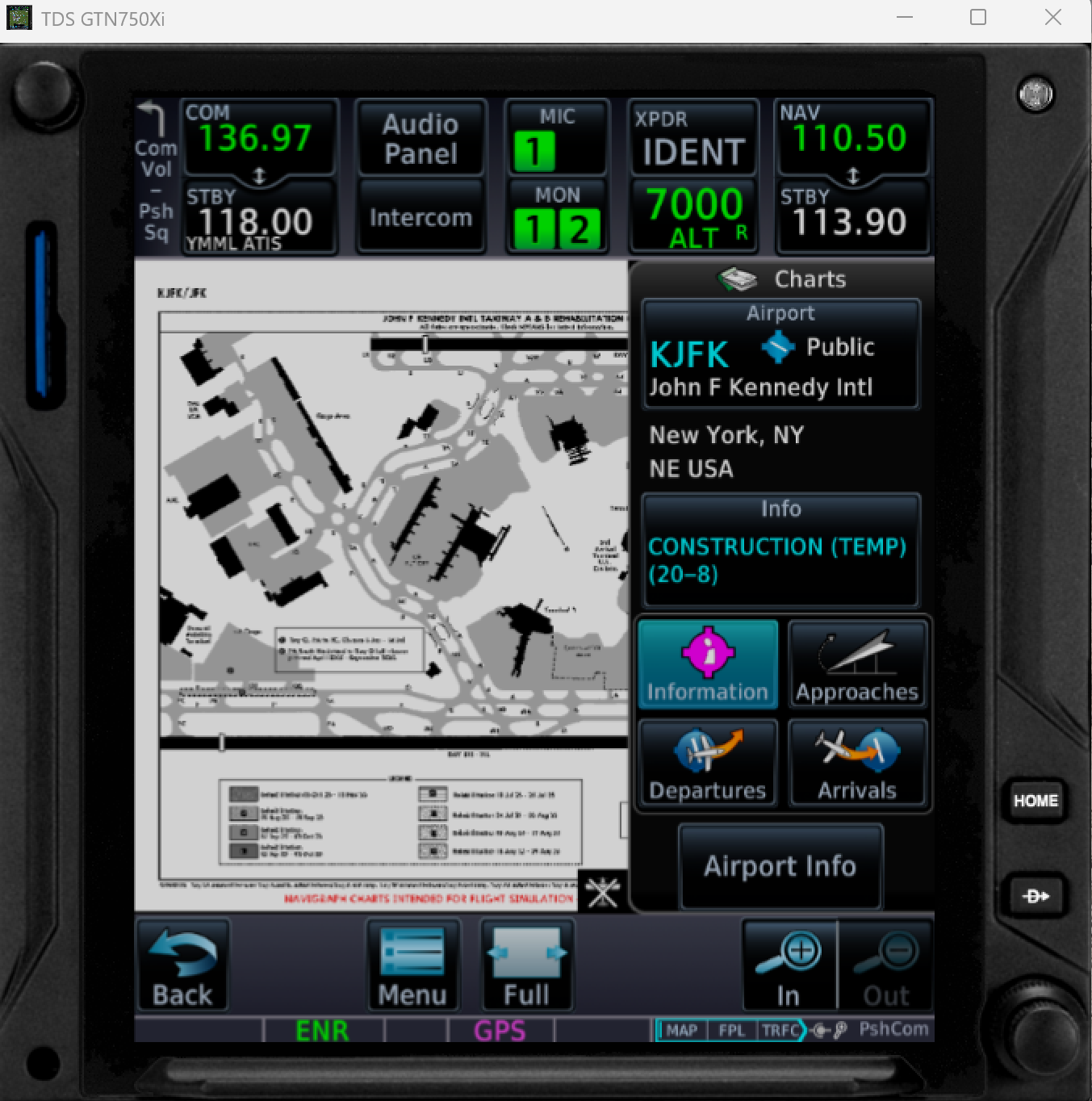
I’m experiencing issues viewing Navigraph charts in the TDS GTN750Xi. Everything appears to be installed correctly on my end, but the chart view does not work and reports that I am missing an unlimited Navigraph subscription.
Could you please advise me on what steps to take in order to make the charts work properly within the GTN750Xi?
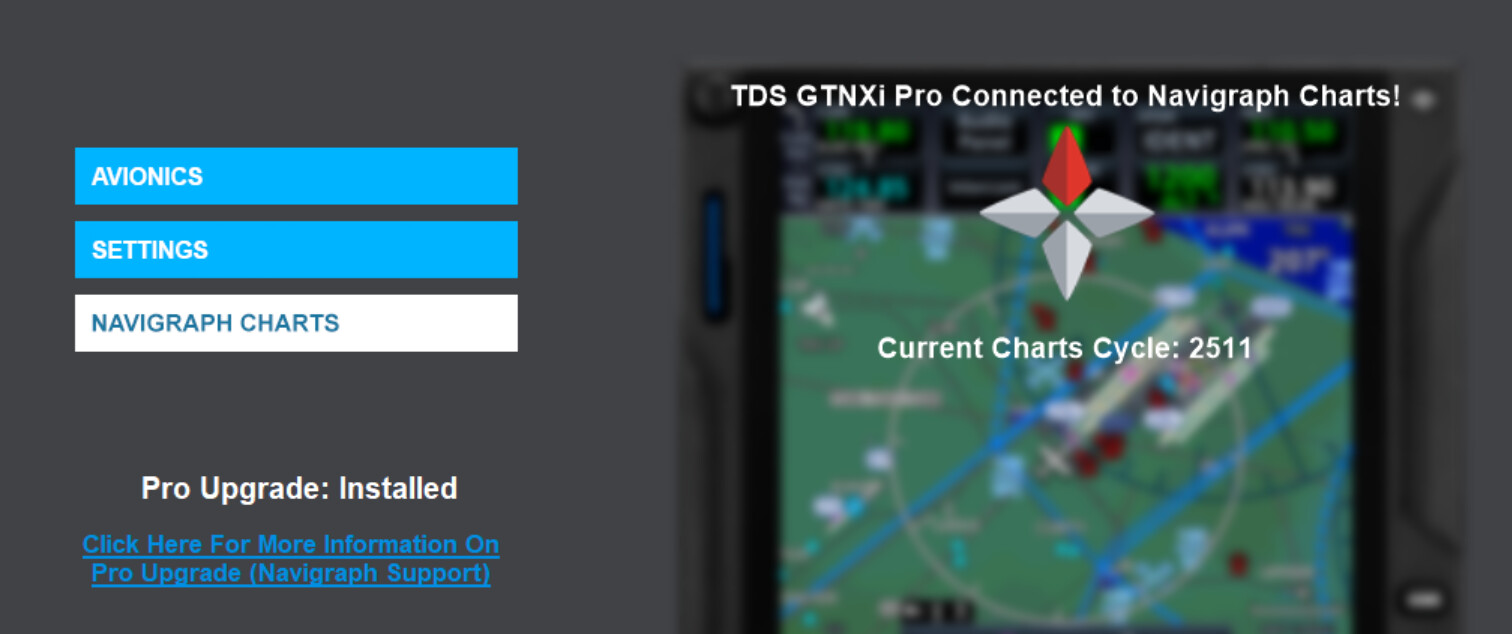
Please confirm you have the Pro Upgrade for TDS GTNXi MSFS and are logged into your subscribed Navigraph account. Note, you have two accounts; only one is subscribed. Ensure you don’t use the Apple email, as this will direct you to a non-subscribed account. If the issue persists, please let us know, and we shall investigate your account further.
Where may I check if i am logged to my correct Navigraph account? In simbrief the account seems to be the correct one, also in MSFS2024 navigraph works as it should in the efb. I don’t know where I have to look up, where the link is made between navigraph and TDS GTNXi?
OK but in the TDSGPSManaqger I enter my PW for TZDSSIM not the one for my navigraph subscription? Where do I have to enter the PW for navigraph account with subscription. Would it not be better that you delete my account without subscription?
Lets make sure you are logged into the correct account on all your devices.
In your Navigraph user account, under "Devices”, sign all of these out, including the 3rd party apps, like the TDS GTN750Xi. Sign yourself out of the account also.
Once all this is confirmed, sign back in and authenticate yourself with the GTN750 again.
As Gordon mentioned, when you sign out of the TDS GTNXi in Devices, the next time you run the TDS GTNXi app, select Navigraph Charts, and sign in using your subscribed account details.
To avoid confusion, we recommend deleting any non-subscribed accounts. Please ensure you know which accounts are subscribed to and which are not. If you’re unsure, please send an email to account@navigraph.com, and we’ll be happy to assist you.
To delete the account, log in to your non-subscribed account at Navigraph . Click your profile in the top right corner of the Navigraph website. From there, click “Details,” and then go to the very bottom of the left panel and select “Advanced Settings.” There, you will find the option to delete your account.
Hello dear Navigraph Support Team,
I did everything you asked me to do. I also deleted my unused Navigraph account, but the problem still persisted. Your advice was definitely part of the solution, but today the TDS Support Team contacted me again and provided the final missing tip — and I wanted to share it with you so that you can help other customers who might face the same issue.
The key was to delete the Navigraph connection token from the Windows Registry: HKEY_CURRENT_USER\Software\TDS GTNXiNavigraphChartsRefreshToken
This token was still linked to one of my two Navigraph accounts — unfortunately, the one without the active subscription. After I deleted the unused account as you suggested, the Windows Registry did not update automatically. Once I manually deleted the token, the GTNXi successfully reconnected to the correct Navigraph account.
I would like to thank both the TDS and Navigraph support teams for your help. It was quite frustrating that things didn’t work as they should from the beginning. I spent a lot of time trying to fix it before contacting the support team and even than it was not solved immediately. But now everything is finally working — and I’m very happy!
Best regards, Luc Reis