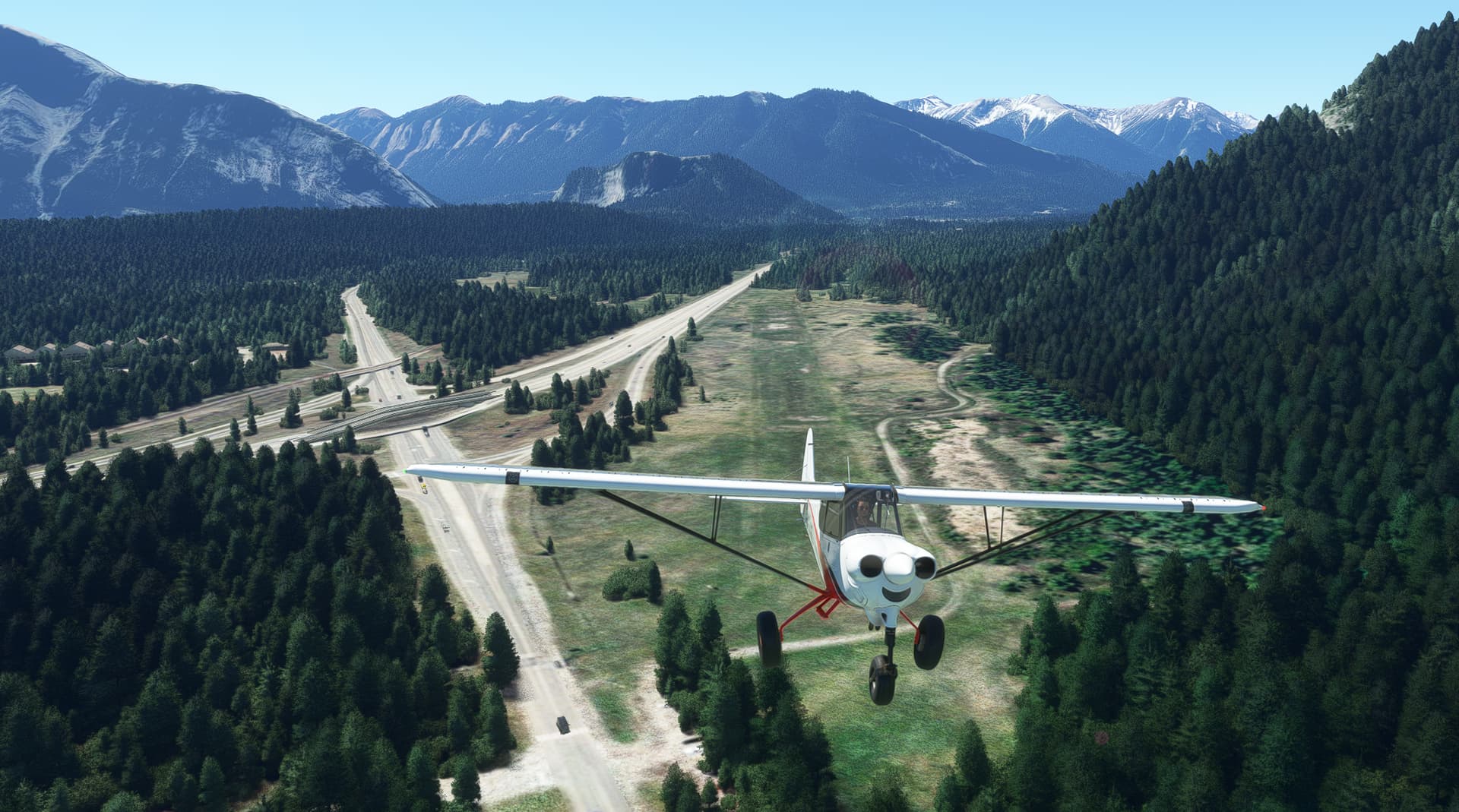
Now THIS IS WEIRD!
If the following are in my community folder then I get the White & Opaque squared pattern at Banff Airstrip, (CYBA)! Default MSFS does not have an airstrip here but I get the problem on default & with a 3rd Party CYBA installed!

If I remove them then I get a grassy strip or my 3rd party strip if installed. How can Navigraph data cause this & can it be fixed???
Hi,
and welcome at Navigraph …
I will test it, of course … is the 3rd party scenery what you use for Banff a free- or payware scnery and when payware, from Marketplace or some external webshops?
Thanks for your help,
Richard
Hi, it’s a free one from Flightsim.to. It can’t be that though as the problem exists with no add-on scenery as below…
Thanks again for the additional info …
In the meanwhile I have tested it also here and I can confirm the same behavior … I have looked into the data and the surface code should be grass but instead of grass it´s “unknown” what is the cause of this issue … so, it seems you have identified a bug …
I will check the source code now to analyze the bug, and of course I will fix it … Sorry again for that issue, I do my best to solve this as soon as possible.
I will keep this ticket open, till the bug is fixed and I also will inform you here, when it´s fixed. Sorry again and thank you very, very much for your valuable report. It´s a bug yes, but to fix it, it will improve the data 
Thank you & let me know, if you have other questions and/or reports
Richard
Thanks Richard - Great Service! I look forward to your fix. When available, would you mind posting here? Will the fix automatically be included in the next Navdata update or will it require something else?
Thanks,
Matt
Yes Matt, I will post here, when its solved, only to inform you and possible orher user too.
Normally, I would create a new revision which can be downloaded via the Navigraph Navdata Center than. But in two days a new cycle will be released and I will try to add the fix to this cycle. So, you should expect it at least with the next cycle.
Cheers
Richard
Hi,
I have fixed the bug now and I have created a revision 2 of the current cycle. So please update the MSFS AIRAC cycle via the Navigraph Navdata Center:
Here how it looks now 
Sorry, and thanks for the hint to this bug
Cheers,
Richard
Excellent, thanks for your VERY prompt attention to this matter. 1st Class!
You´re welcome Matt … thanks to you for the report! 
Happy flying and enjoy the sim,
Richard