Please see this topic: Nonexistent traffic appears
Last weekend, a transatlantic event took place: LSZH to MMUN. As expected, many heavy aircraft participated. There was a tremendous amount of traffic in LSZH. However, many of them weren’t shown in the navigraph charts. I suspect they were all heavy aircraft (B777s, A340s, etc.). However, the servers that these aircraft use to log into VATSIM could also be the cause. Yesterday, I observed a B777 approaching LFPG. I could hear it clearly on the radio and see it in the sim, but not on the NG chart.
Thank you for the report! As mentioned, this is currently expected in the desktop app. The next time you have this issue, please try charts.navigraph.com - if that works, we can further confirm that this only affects the desktop app!
Kind Regards,
Malte
it only affects the desktop app for me. still the same with latest desktop now out of beta!
Hello! This is currently expected. There has not been any updates, and the feature is still in beta.
The team is currently in Providence for FSExpo, holidays will soon begin and we have a few technical blockers delaying any updates right now unfortunately. We’ll get to this ASAP!
Sorry for the inconvenience.
Kind Regards,
Malte
for me the same only desktop version web is oke It seems to me that the bigger planes are not showing up
Hi, Can confirm this issue on my end too - happy to provide specs etc if required.
Normally only happens on ground - could see on vatsimradar, but couldnt see on Navigraph.
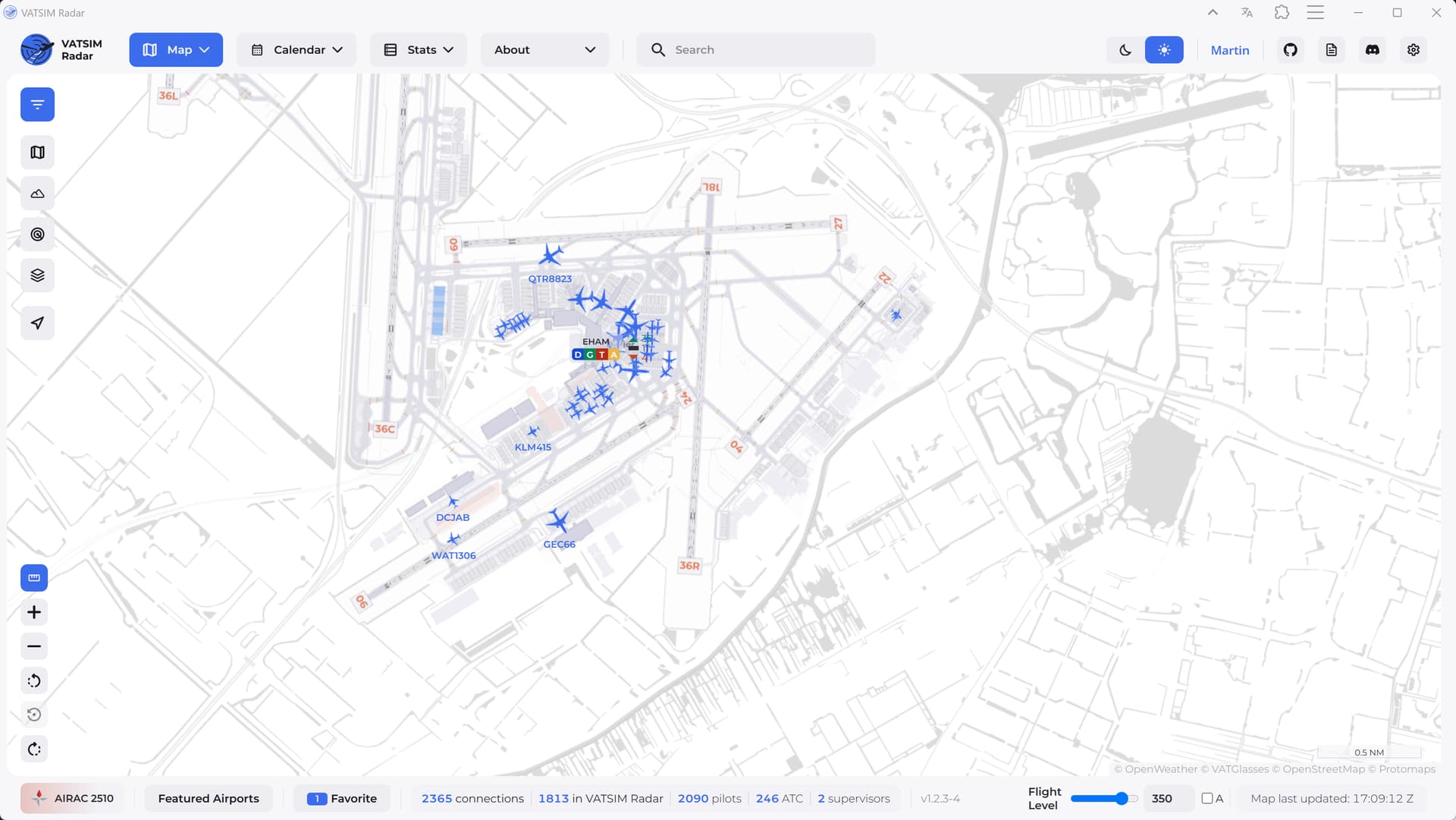
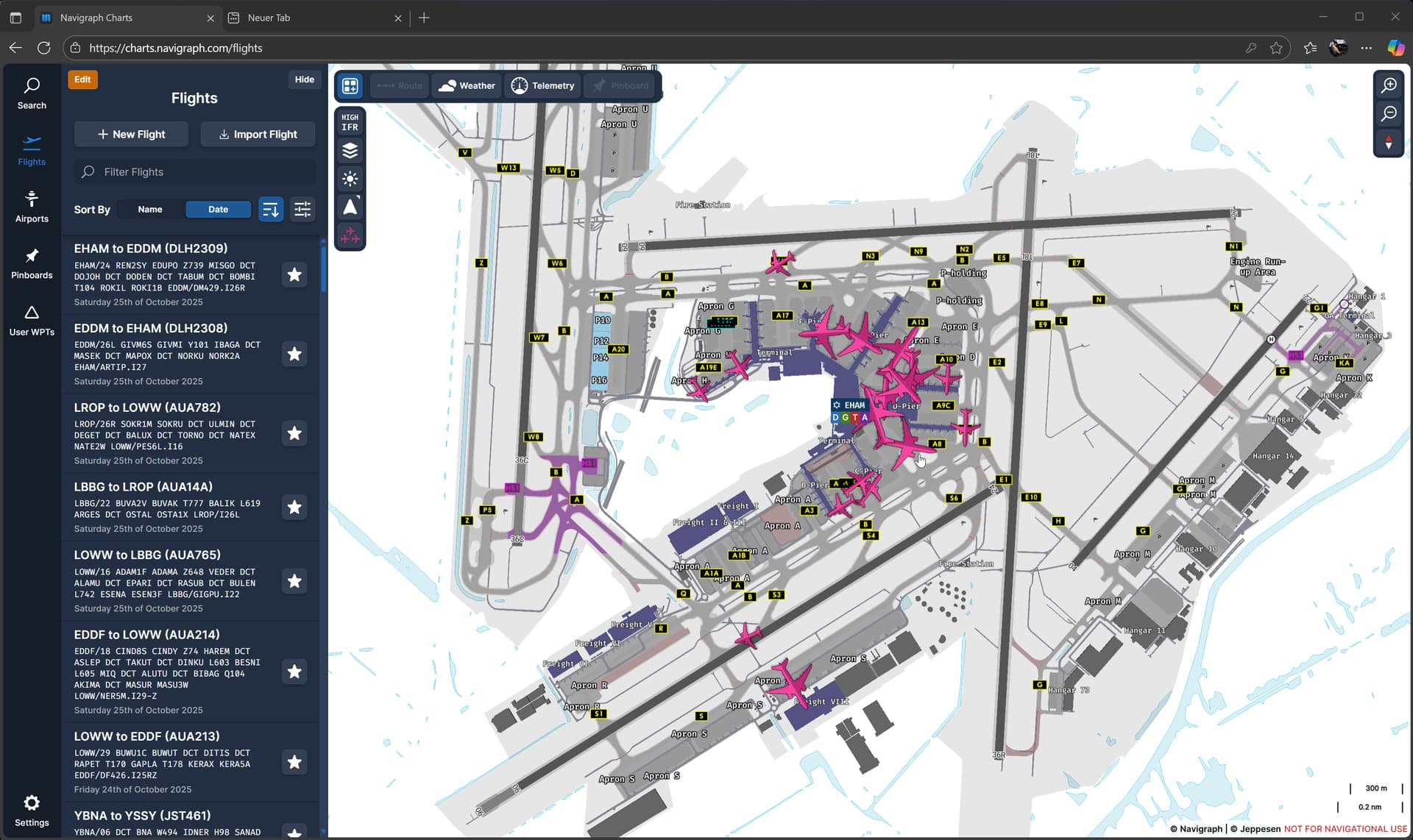

Hi…,
I have moved your post to this Online Networks Beta Testing category.
Thank you for the post.
Cheers
Ian
Having similar issues- some traffic just doesn’t show up that’s on the network, spotting things on TCAS and VATSIM Radar that are around me that Navigraph Charts isn’t showing. I’ve also had aircraft that have logged off, or moved away from the position they were reported at just stuck there.
Sometimes turning on and off fixes this (I believe the ghost/stuck aircraft get fixed, but aircraft that wasn’t appearing still don’t show).
Using the desktop app!
Hello everyone!
Aircraft in the online traffic feature should now show the correct icon even when using the desktop application. Please give it a go and let us know your results!
Kind Regards,
Malte
Looking good, appears to show all aircraft now.
Still not working for me and never has…
But I have a theory with no solution however..
Flight Radar 24 maps will not work on my PC either. It says WebGL2 is not enabled on my system. Yet all the settings are correct in my browsers and the WebGL2 test page works correctly. Google searches seem to blame it on a low quality video card on the PC
Does the traffic injection require WebGL2?
Yes.
Can you use the weather layers? Those also require WebGL to be available and usable!
Also see this topic: