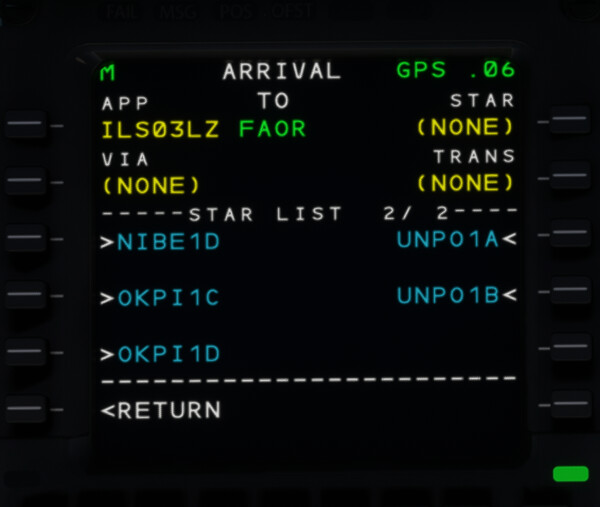
Details: In the ATR 72-600, I have noticed some sids/stars are missing, a prime example is when flying to FBPM (Francistown, Botswana), navigraph displays serveral SIDS are available but in the ATR no SIDS or STARS are displayed, is it possible that the ATR is still using MSFS navdata somehow, if so how would I tell?
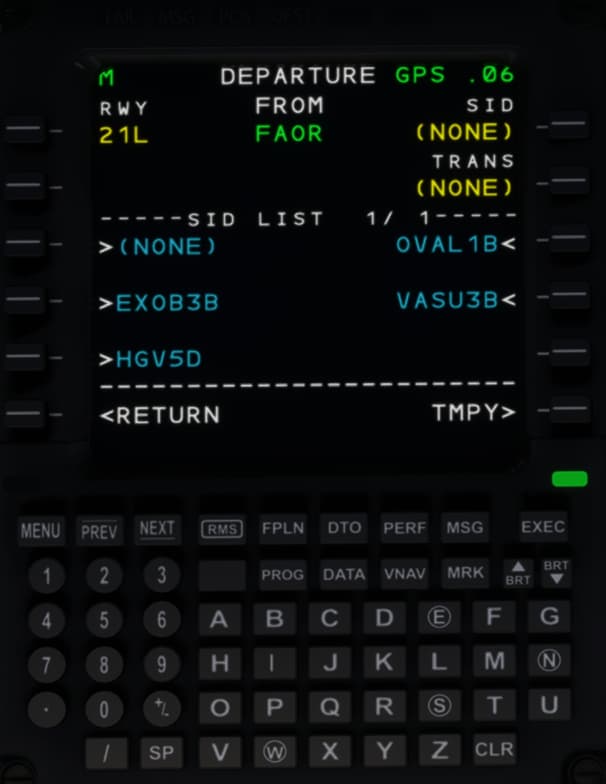
Another example would be FAOR SID’s, when departing via VATSUR the chart shows flying straight ahead and then turning left while in the ATR it shows turning left almost instantly after take off leading to the aircraft flying off course at first.
Alright I seem to have partly worked it out, MSFS has two airports for the one airport in Francistown, their is FBPM which msfs displays as only having only runway 29-11 and no SIDS/STARS, but navigraph displays as having 2 runways and has the SIDS/STARS, the other one is known as FBFT which msfs does assign both runways 11-29 and 13-31 however navigraph doesn’t assign any SIDS/STARS to it.
Notice how the charts show a 90 degree turn left while in the ATR the turn is actually beyond 90 degrees heading you in the wrong direction. Seems like the INTCP is in the wrong location
As you have likely figured out on your own, the stock FBPM in MSFS is outdated because MSFS 2020 shows only one runway, 11/29, and not the two runways, 11/29 and 13/31, as in real life. When you check the charts, you will see that all procedures are assigned to 13/31. However, when this runway doesn´t exist in the sim, the sim cannot assign it to the runway and suppress it. That´s not a navigraph issue, it is a MSFS2020 limitation and expected …
Therefore, please report this to ASOBO/MS so that they can correct the runways; we may not modify any scenery.
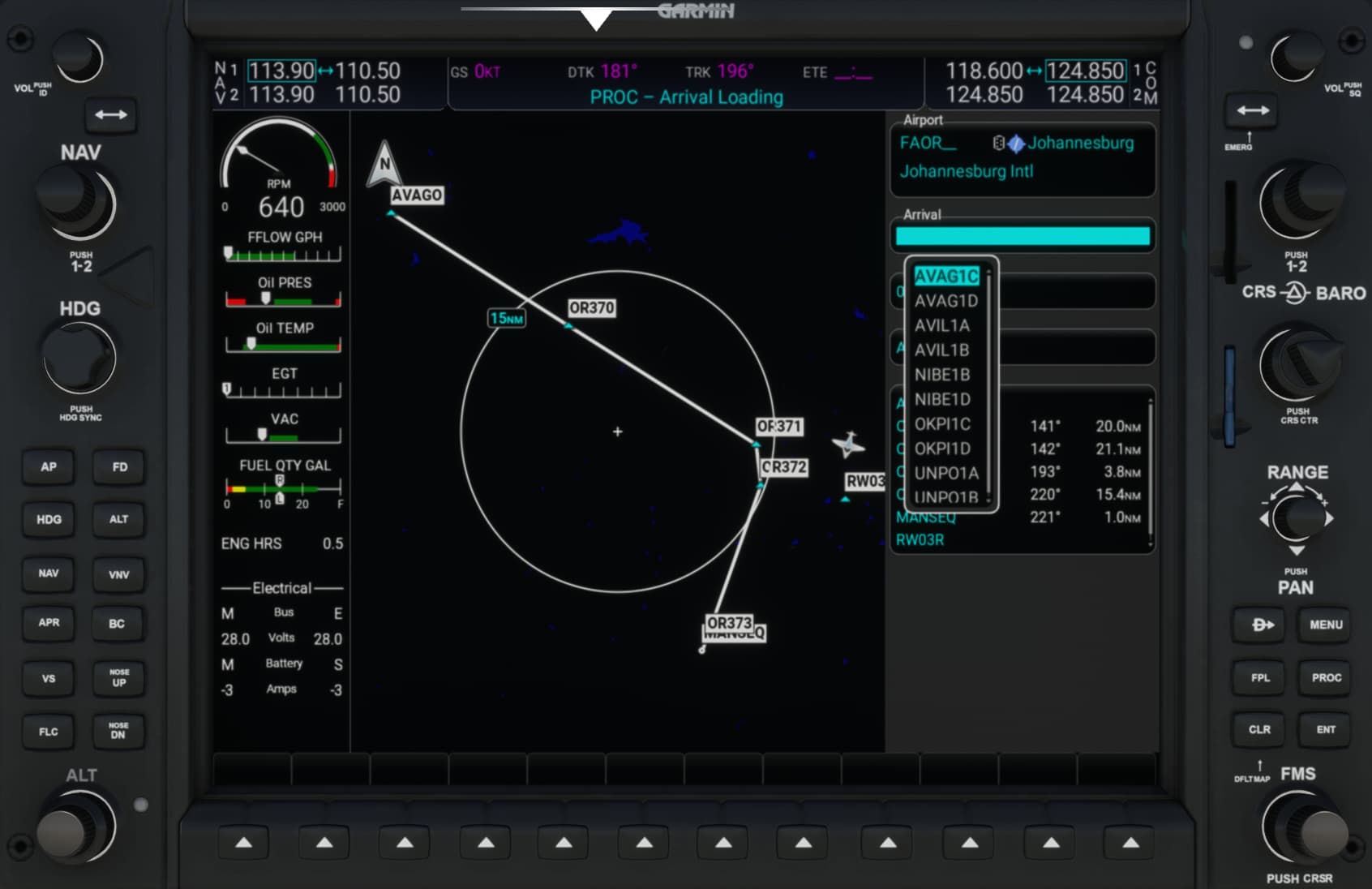
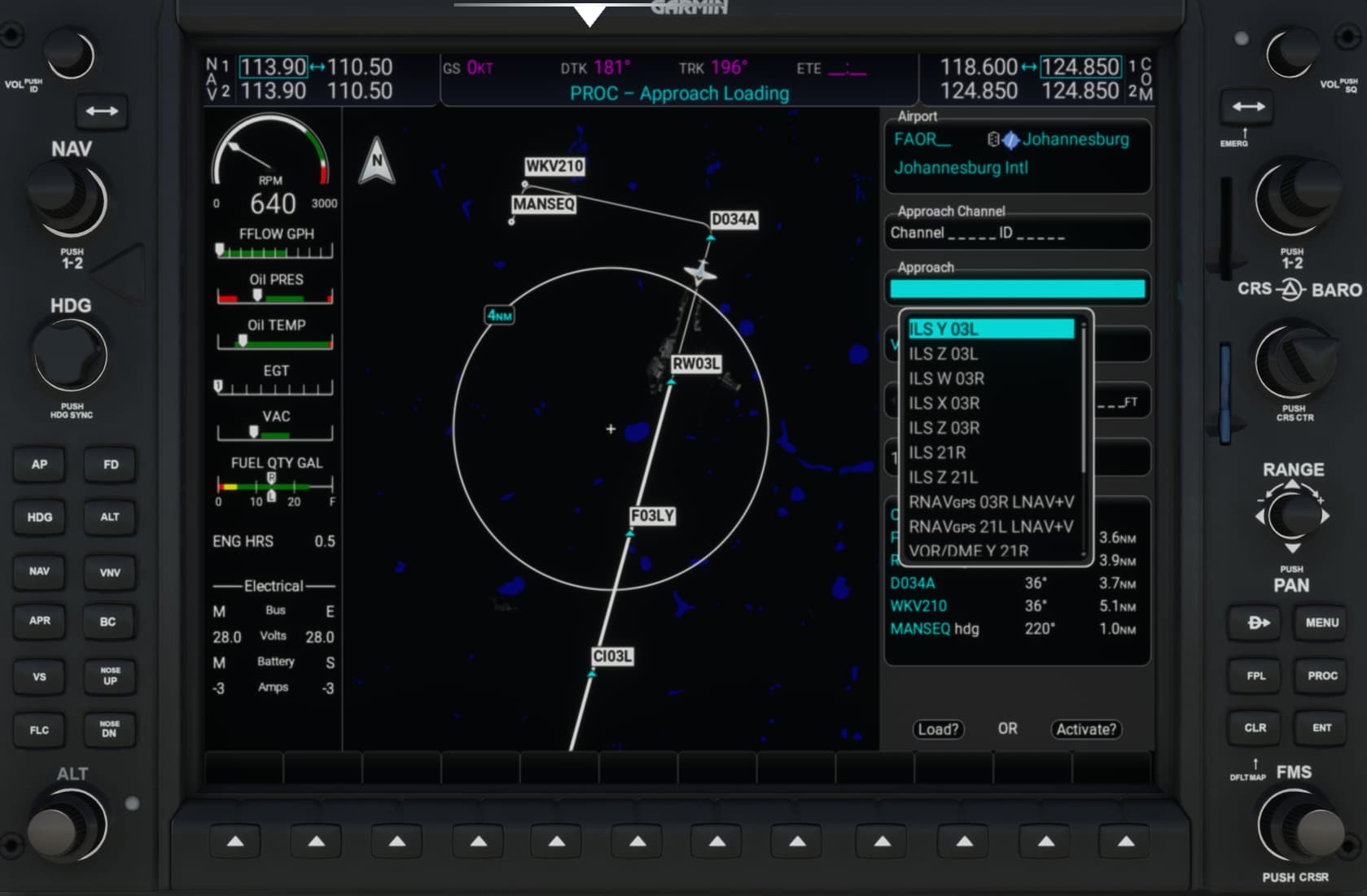
Regarding your second example, FAOR - I have tested this with the stock scenery, the stock C172 equipped with the G1000, and our latest AIRAC 2509, and I cannot reproduce it.
Therefore, two options: #1 - The path on the ND is not 100% correctly drawn in the ATR #2 - The guys behind don´t interpret the intercept correctly
Both (ATR and G1000) use the same data, so the outcome should be the same. It could also be a rounding issue in the ATR, as you can see, the first waypoint in the G1000 is JSV/5.5, whereas in the ATR, it is JSV/6, which is half a mile more, and therefore not a 90-degree left turn. But that’s all an assumption - not what we can answer.
You can enter the same on your system in the G1000, and you will see that the procedure itself is coded correctly. Seems more a ATR limitation.
Yep, can confirm from my side on the G1000 sure enough its 5.5 but as soon as you select it in the ATR it becomes JSV/ 6, thanks for the help, will try and see if their is any msfs forums to bug report for the ATR, I believe your assumption that it is rounding up the 5.5 for whatever reason gets rounded up quite annoying it throughs off the departure by quite a lot! Thanks for the trouble shooting help though!