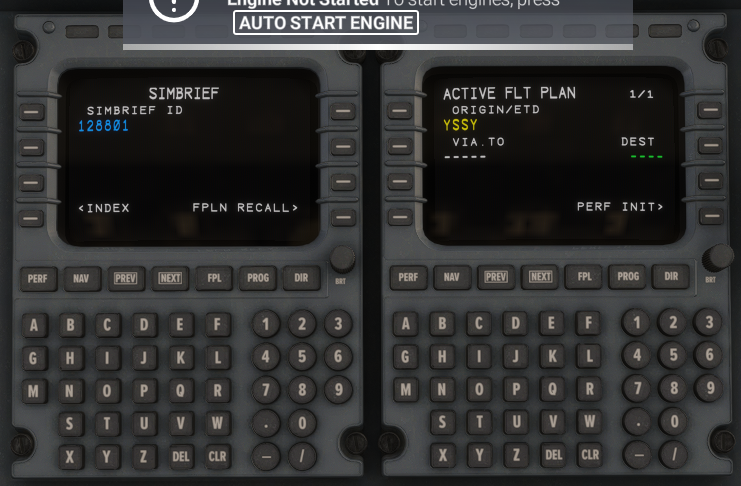
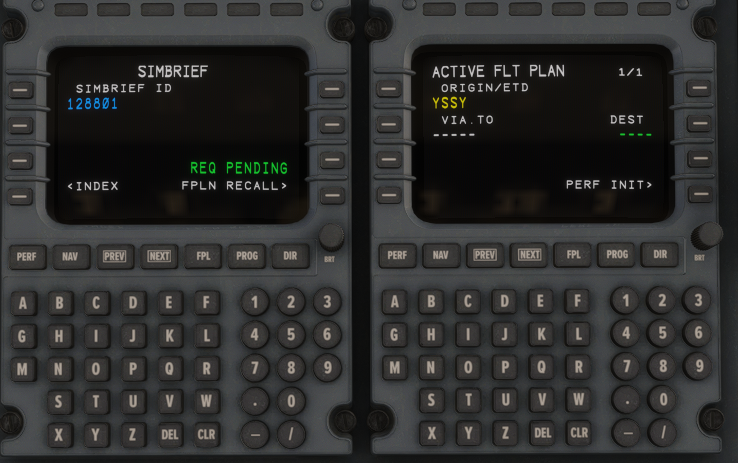
I recently purchased the Citation X on Marketplace for MSFS 2024
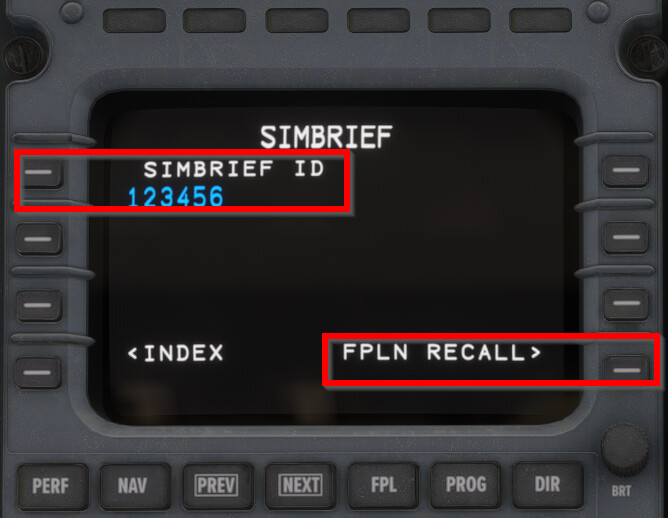
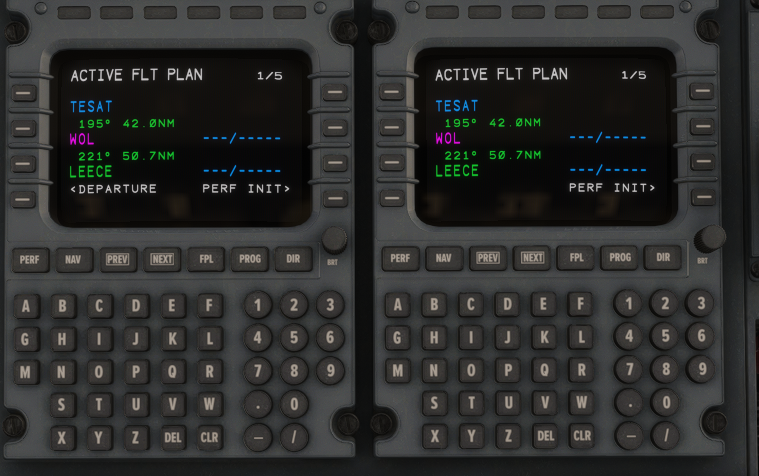
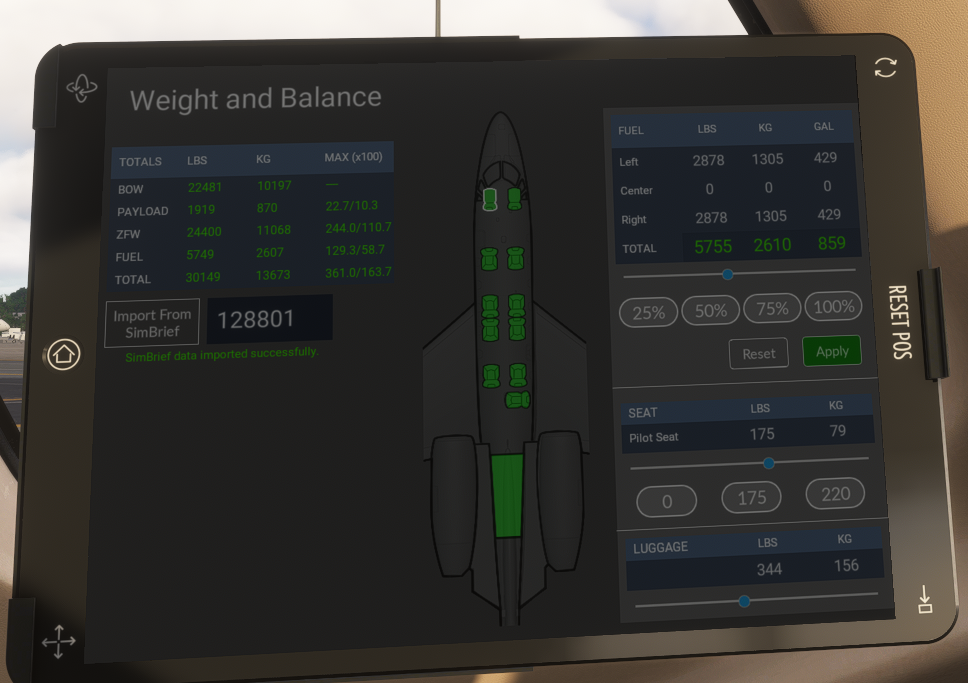
Whilst the setup in the AC EFB works and I can get maps etc and import weights from my particular flightplan, I cannot import the flightplan into the FMS of the aircarft.
Please provide screenshots using Guide to posting Screenshots, showing what doesn’t work. Please provide text string of flight plan so we can copy it into SimBrief.
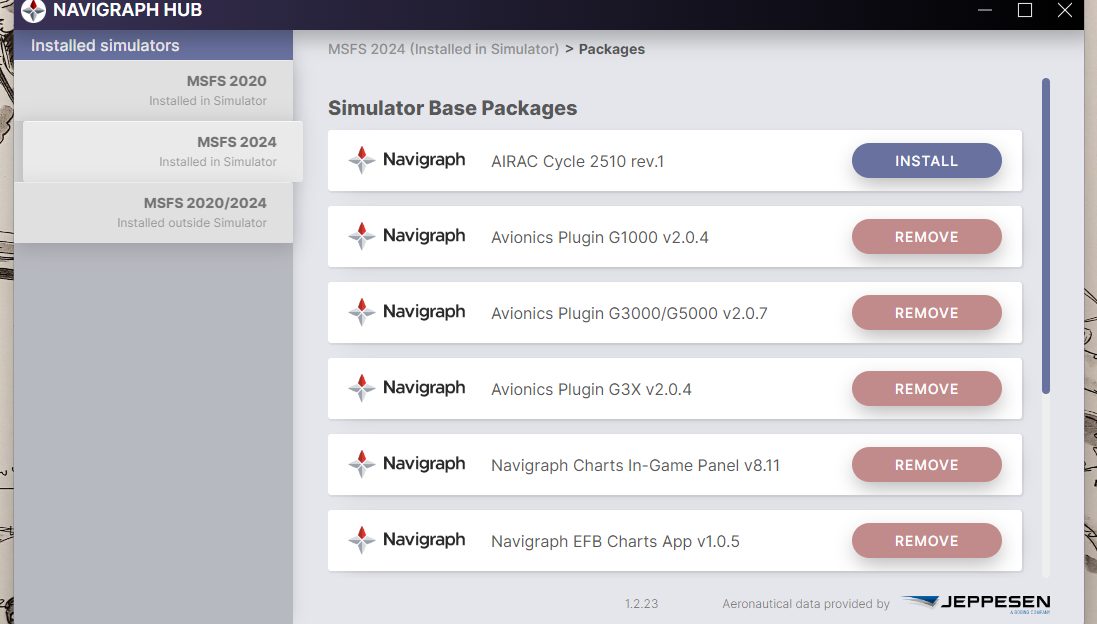
I just loaded and Generated that flight plan in SimBrief, and FPLN Rec called it into the Citation X FMS without error. This is with Navigraph Cycle 2510 rev 1 installed into MSFS 2024.
Do you, by chance, have a VPN that might be blocking access to SimBrief? I don’t see how having the latest Navigation Data installed would affect things.
Also, disable any Antivirus and Firewall.
Restart any Router you may connect to the internet
Try connecting to the internet via a mobile phone hotspot.
Thanks for this. I have no idea why it’s not working with this Market Place product. Streaming issue maybe? Fact is, my PMDG and inibuild AC have no problem importing the FP’s when the Navigraph data is installed.
For the time being it is working whilst uninstalling the Navigraph data, so I won’t change anything in my set up as I am afraid, I might kill some other processes.
Sorry, same result. I deleted the content file, restarted the computer, installed Navigraph 2510, started MSFS2024 aligned Gps updated positions and got stuck at importing the FO
No change to what it was
Regards
Petr
Thanks, Richard.
I am out and about tonight and wii send the file in a couple of hours when back home.
All other imports (PMDG777, Inibuild350 ) work without a problem
Cheers
No rush, Peter (sorry for the wrong name in my last answer) …
I´m honest - PMDG and Inibuilds are not good examples because both use external databases, not the in-game data, as FFX does. Therefore, we must look for any add-on with Simbrief integration that utilizes the MSFS in-game data to obtain a valid confirmation of whether it is working or not.
However, I will do some tests with the examples for now. Thank you again, Peter, for your help and, of course, your patience.
Hi again Peter,
Thank you very much for the file - looks good so far, buuuut I have a few requests for you:
I have seen in the file that you have a lot of 3rd party sceneries installed, right?
May I ask if you can move all packages to a location outside of the community folder, preferably in a backup folder (so that the packages will not be loaded from the MSFS), excluding the navigraph packages? When it´s done, please recheck the FFX Simbrief integration.
I only want to ensure that no third-party scenery interferes with the data and import. There were numerous changes from SU2 to SU3, and not all third-party sceneries are 100% compatible with SU3. At least that was what we had seen in the past. Therefore, this request …
Thanks again for your time and effort, Peter; much appreciated.
Cheers,
Richard
PS: seems we are in different time zones, therefore sorry for the short delays of the answers
Hello Richard,
Yes, that worked. I shall now slowly slowly reinstall the sceneries into the community folder.
Let you know which one is the culprit
Cheers