When I try to import a route from SimBrief into the FlightFX C750, it just stays stuck on “REQ PENDING” and never loads. The exact same route works perfectly fine in the Longitude, so it seems to be an issue specific to the Citation X. I’m currently running the SU3 beta.
Hello, yes this could be Citation X specific. Have you reached out to them?
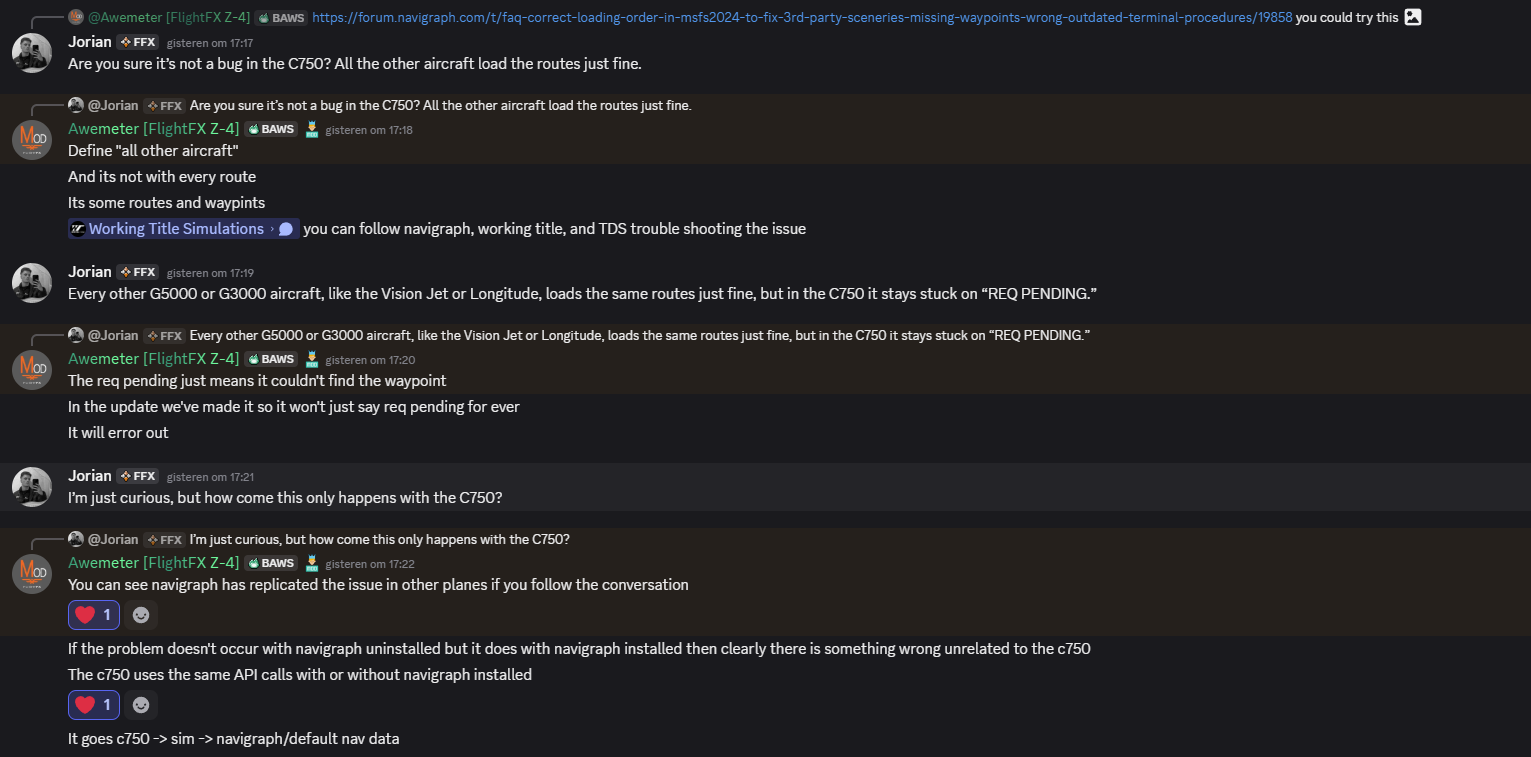
They said: There are problems with Navigraph and 2024. Navigraph is trying to figure it out.
Hi,
Can you please forward us the FlightFX posting and/or ticket number where you got this answer for this issue, so we can ask what they mean?
Thank you
Richard

I’ve already tried adding to content.xml, but it made no difference. I’m currently on the SU3 Beta and using AIRAC Cycle 2508 rev.2.
These are some of the routes I’ve tested:
-
LZTT/09 MARK1Q MARKA DCT KEKED DCT NARKA DCT UTEKA DCT RAXAD DCT BITLA DCT LGZA/34
-
EHRD/24 WOOD2B WOODY N872 CIV DCT MEDIL UN872 KOVIN UM728 RESMI UN857 DISAK DCT DIRMO DCT ETAMO DCT ADEKA DCT MOKDI DCT MEN DCT BADAM DCT KANIG DCT KENAS DCT POS POS4V LEIB/06
-
EHLE/23 NAPR2M NAPRO Z739 DEGOM L603 TESGA DCT ESATI DCT DETEV DCT DINKU M867 VAVOR Y106 MODSA DCT DETSA DCT NIVAS DCT PEVAL DCT IPKIS DCT AIOSA DCT ENOXA DCT NOSTO UL612 ORTOS UN732 KFN KFN2S LGZA/34
same in here, running fs2024 su3, after change from su2 to su3 this started to happen with my c750… shows still pending and further no response from the route uplink… any fixes?
No unfortunate, currently, no fix is possible because no one knows why this happened in SU3 beta on some systems.
We can’t debug in more detail (at least what we can do). You can try to enter the flightplan manually. When this works, you can be sure that the data is correct.
We have tried the three posted flight plans, and all three flight plans can be entered manually with our data. So, the reason must be somewhere else. Sorry.
Cheers
Richard
I was able to get the simbrief flight plan to load by deleting the navigraph-nav-base folder from the community folder. Not sure why this works, but it is the work around I am using for now.
In this case, you use the stock data because the base folder excludes the stock data.
Also, there is a dependency between the two folders. So, this “solution” is not recommended because we don’t know the side effects.
Cheers
Richard
I further traced the issue to the maintenance.bgl file located at: navigraph-nav-base\scenery\fs-base\global\maintenance.bgl.
Deletion of this single file will allow loading of the simbrief flight plan into the FMC.
I’m not sure if you understand my previous posting correctly:
When you remove this file, you use the stock data. It has the same effect as uninstalling the data via the Hub.
This file is essential to turn off the underlying data. This file may NOT be deleted, and we also can’t guarantee any side effects.
Cheers
Richard
Having same issue as well. Tried unloading and reloading Nav data multiple times via the Navigraph Hub, updated the content.xml per the instruction elsewhere here. Navaids like IOW and BOS are just missing and will not load when trying to input into the FMS manually or via the Simbrief download option.
I resolved it. I had to delete the content.xml in the folder with my username. Doing this and letting MSFS recreate it solved my problem.