Hello,
I had to do a lot of work, changing computer and from xplane11 to xplane 12. Now I restart my FF A320 Ultimate again, but although I signed in at navigraph, now for a long time, I am not able to use charts etc. in this tool.
As you can see in the foto, I have signed in.
I attached two screenshots as a pdf file.
Oskar Feder
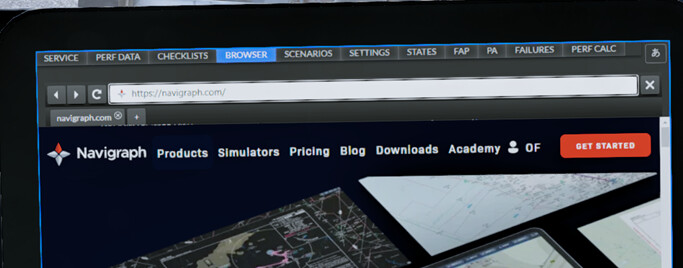

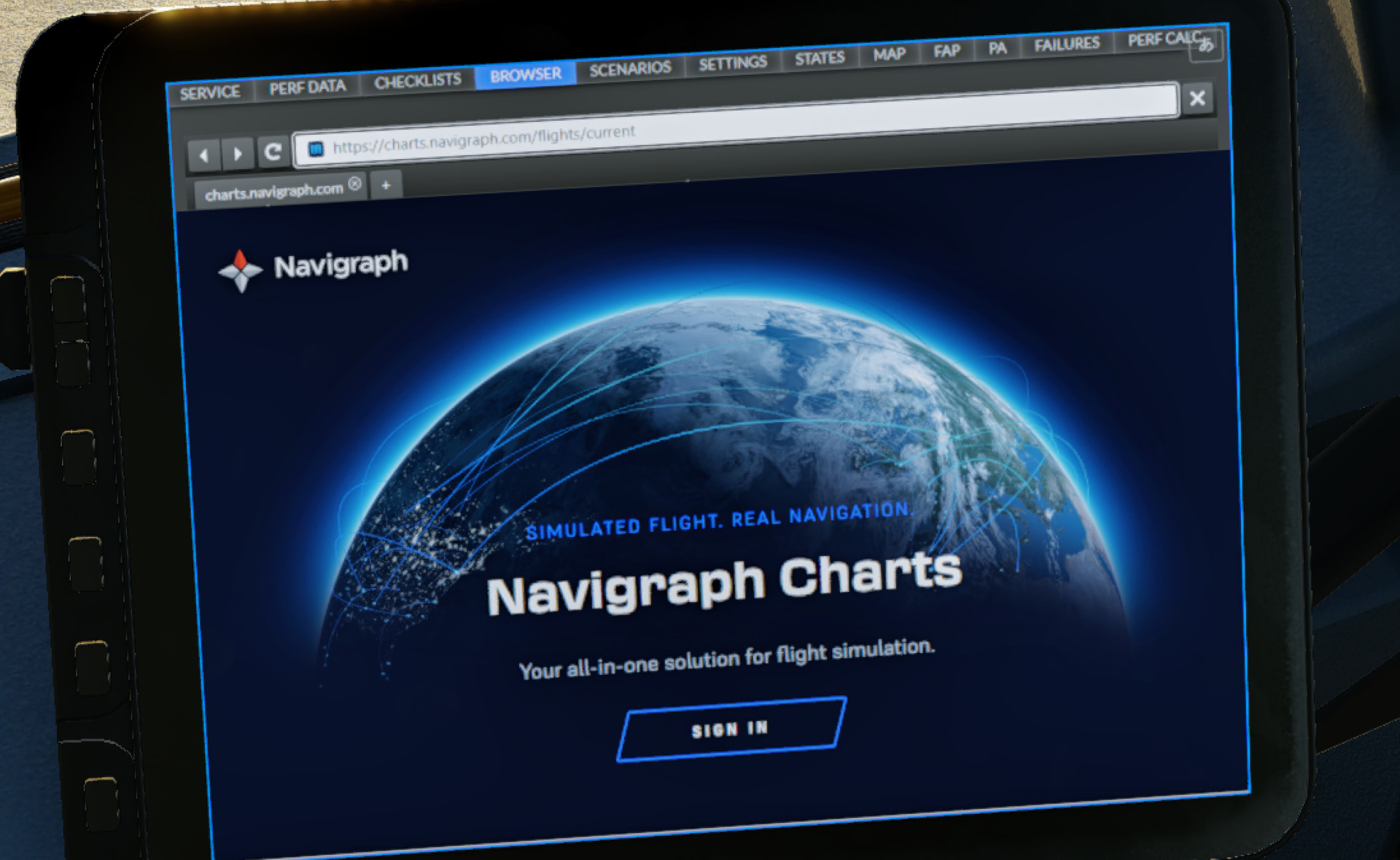
The FFA320 doesn’t have Navigraph Charts in the EFB per se. You can load Navigraph Charts into the Browser tab in the EFB to get your Charts Cloud. You will need to Sign In with your details
In EFB, Settings enter you SimBrief Pilot ID to gain access to your SimBrief Generated flight plans via MCDU Init Request.

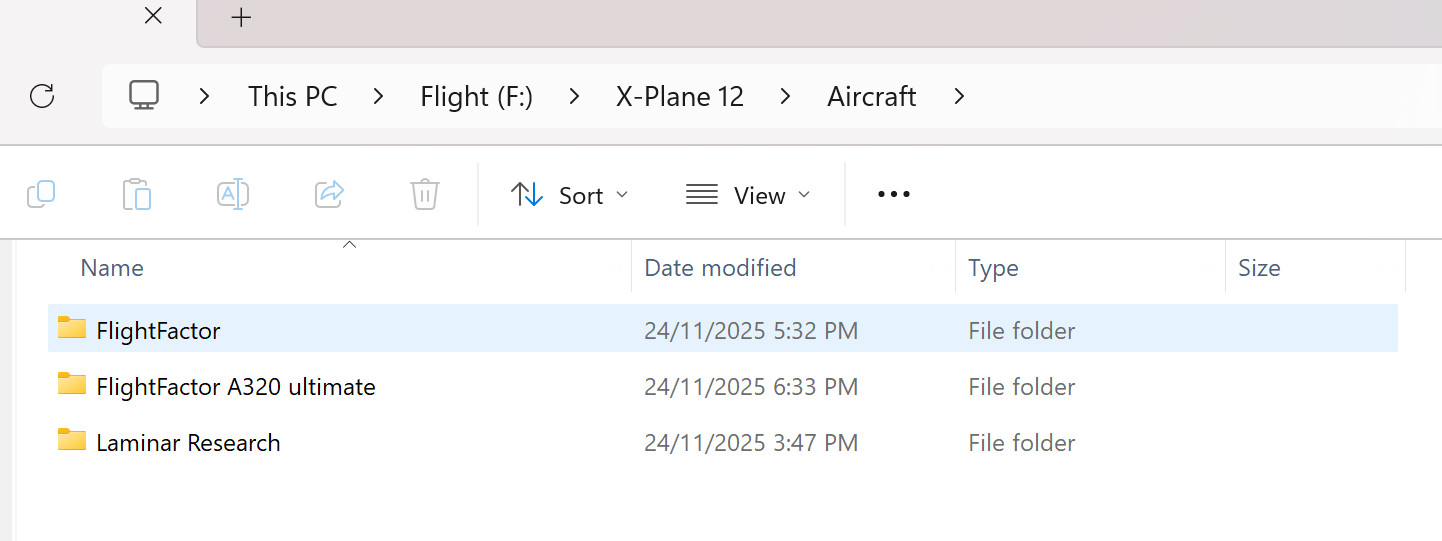
If you have issues with the AIRAC updates, please posts a screenshot of folders containing your A320 e.g.
Cheers
Ian
Thank you very much, Ian. But it still is not working. Although I have the Pilot-ID
and then I get this information? And I have an installed user and password. that is strange

Kind regards Oskar
Hi Oskar,
Not very intuitive here, I know … you must enter a user and a password in the SERVER-SETTINGS, left of the SIMBRIEF PILOT ID, even when you don´t use this feature.
Enter a and b as user and password, then the message goes away, and the SIMBRIEF PILOT ID is stored.

After that you should be able to sync the SimBrief flightplan via the MCDU INIT REQUEST without any issues.
Hope that helps,
Richard