Hi there, as I understand it Navigraph when installed in the Navigraph Hub will add missing waypoints into MSFS24. So the waypoints you see in your Simbrief Flight Plan will show up in compatible aircrafts (And maybe in the EFB inside MSFS24?).
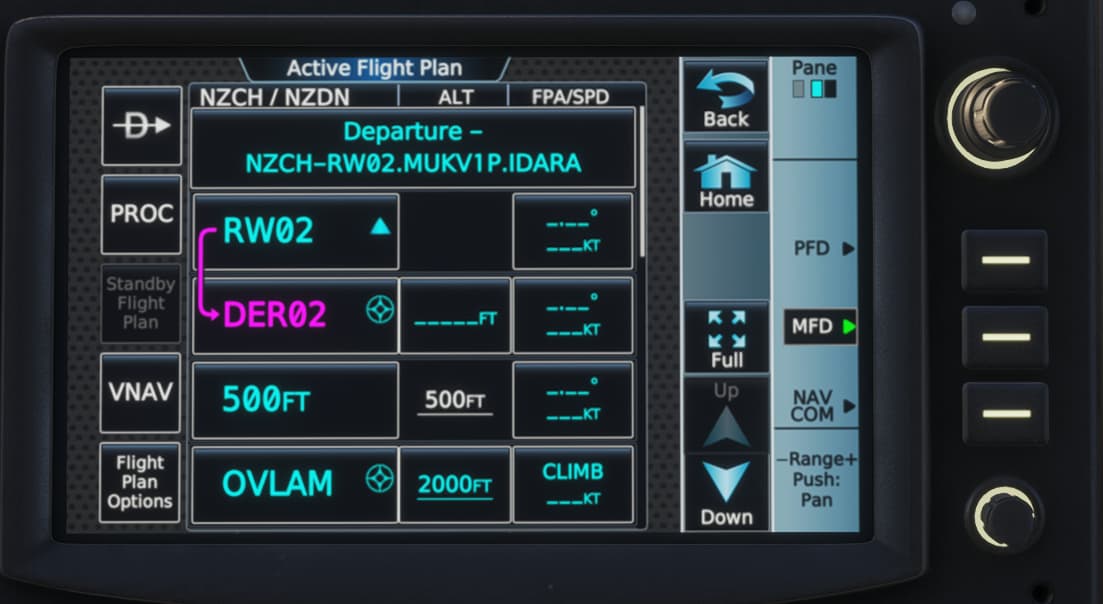
I am finding this is not happenin however. Planning a trip from NZCH to NZDN for example simbrief gives me this… and these points are not showing up in MSFS24?
With AIRAC 2507, I was able to enter that route into the MS2024 737 MAX and PMDG 777F without error. Note the MUKV1P applies to RWY 02, and not RWY 20.
If still an issue please provide details of how you have updated your Navdata, what you have tried and any errors.
Hi Ian, thanks! I have been trying to add the flight plan with the waypoints into the standard MSFS24 VisionJet and the recent LivToAir CJ3+. Also when importing from SimBrief inside the MDF in cockpit, it errors because it can’t find the waypoints. I’m on SimUpdate3 Beta, maybe this is it?
Have tried reinstalling Navigraph Hub and the packages including the CJ3+.
Could you see if you get this same failed result on the VisionVet?
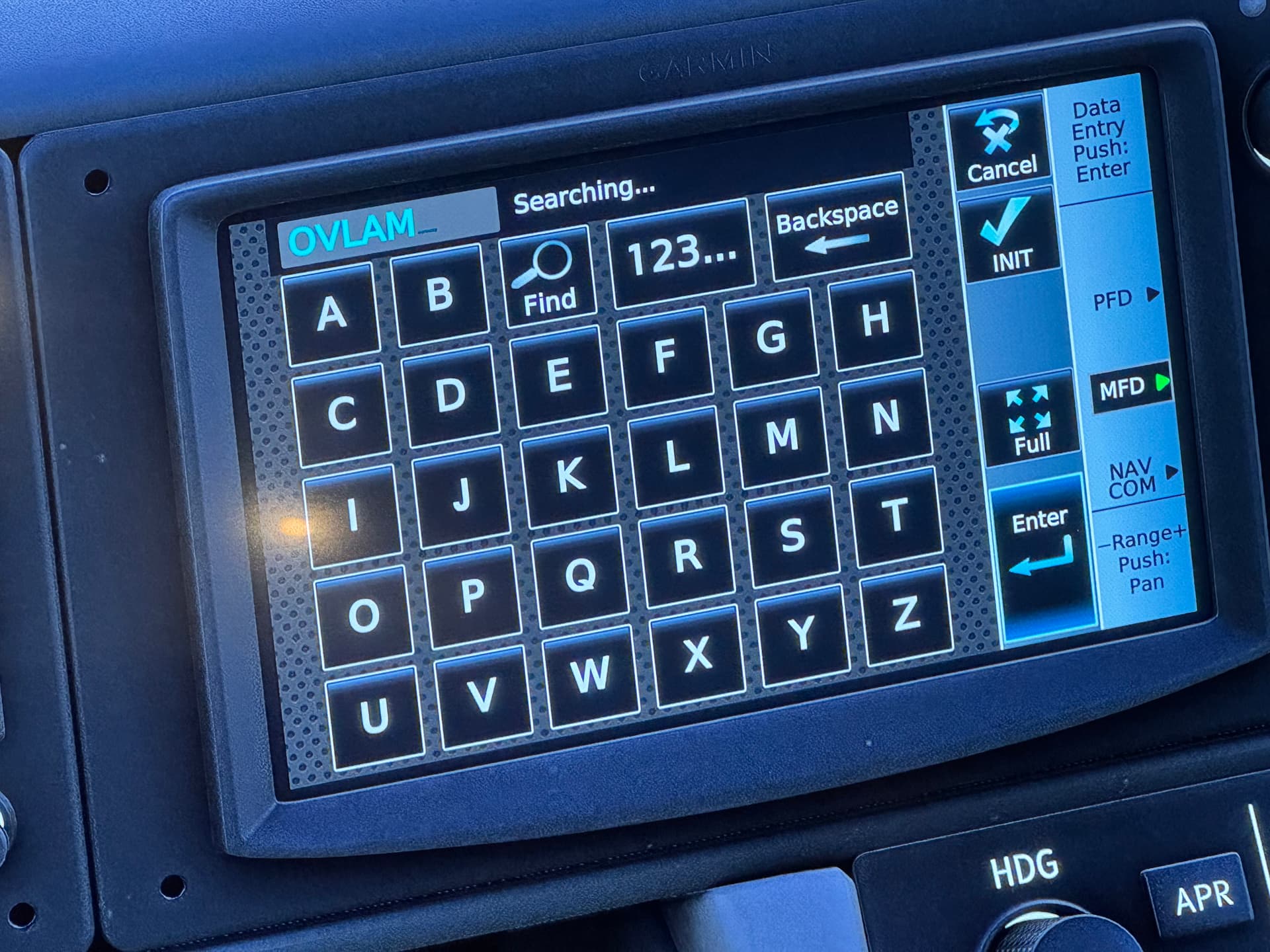
Thanks for trying it out. Looks like we are getting very differnt results. See some photos attached. I can’t even add in the Depature or Arrival information.
Waypoints I type in just don’t show up. It’s stuck as ‘searching’. When trying to import a simbrief plan via MFD it errors because it can’t find the waypoints.
I tried all of the waypoints on your screenshots.
I’m on Sim Update 3 so maybe this is what’s causing it? Is navigraph maybe still sorting out some bugs there?
I have reinstalled Sim Update 2 (not the beta version) and reinstalled Navigraph and the hub app. I deleted the content.xml file, also tried loading with no airports installed and still… this is what I’m seeing. No ability to select a departure (no departures showing up) and the way points are now showing up in search, like the above. Note, however, charts are showing up!
I have an active Navigraph subscription.
Its showing in the MFD Navigraph Version 2.0.5, Load Precdures & Airways are Yes, its Signed in.