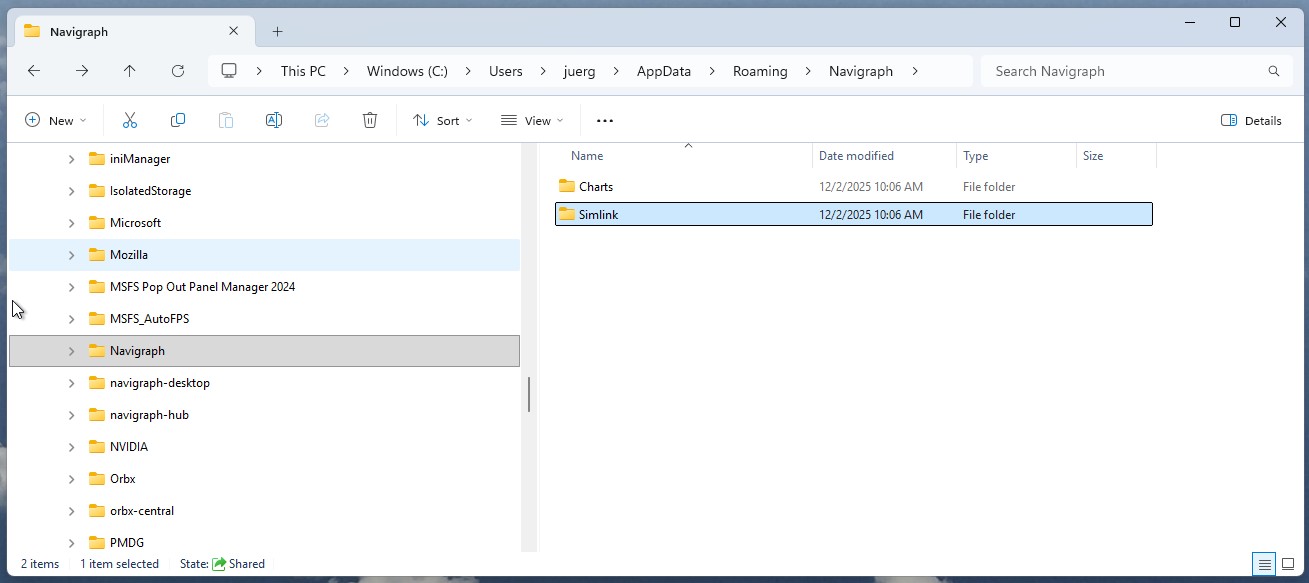
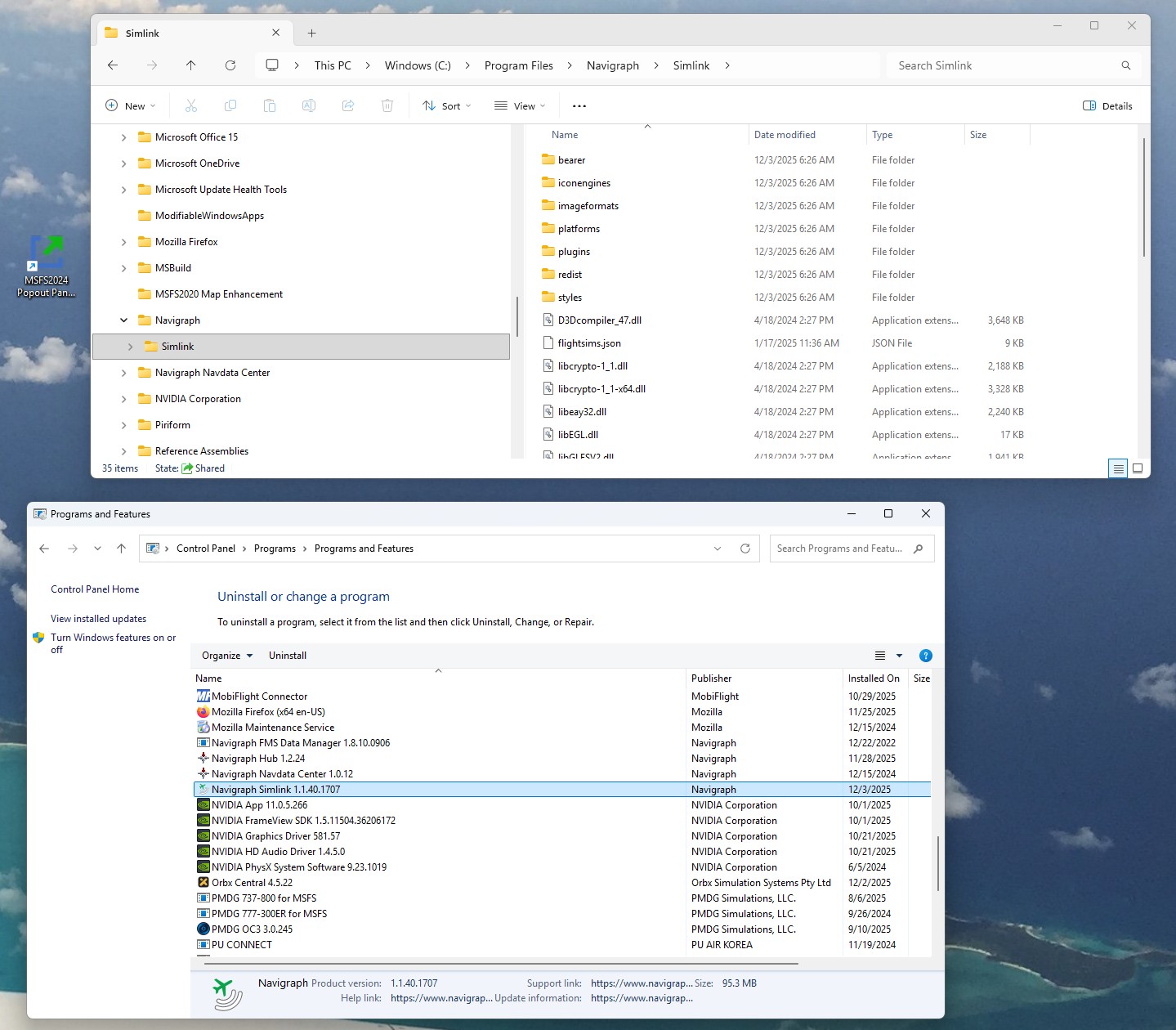
As of late SimLink is not starting automatically. So I checked program list in windows “Program and Features” and it is not listed. I than deleted the Navigraph files in AppData and reinstalled SimLink latest version (windows defender was off). Still SimLink does not appear in the Program and Features list. After install it will work one time until reboot.
Thanks for help
Juergen
Hello,
When you run the Simlink Installer, please make sure to run it with admin rights. If it still doesn’t work, kindly send us a screenshot of the error message along with your system’s OS details.
Let us know if you continue to face the issue.
Thank you!
Best Regards,
Vishal Ahir
Navigraph
Vishal, I reinstalled SimLink with admin rights. there is NO error message, but SimLink is not in my program list, I also ccan’t find a executable file, my OS is WIN11. I have attached a logfile. The two pictures show the install folders/files. Thanks for help Juergen
simlink_2025-12-02.dlog (8.2 KB)
Hello,
Thank you for providing more details about the issue. We reviewed the log file you sent, and it appears that Simlink is installed and running.
You can find the Simlink installation folder at the following location: C:\Program Files\Navigraph\Simlink.
Additionally, Simlink is running in the background, and you can locate it in the system tray icon list on the right side of the taskbar.
Please ensure that you are logged into the Simlink application with your Navigraph account.
If you continue to experience any issues, please don’t hesitate to reach out to us.
Thank you!
Best Regards,
Vishal Ahir
Navigraph
Vishal, I did the following:
Locate Simlink in “Uninstall and Change Programs” and uninstalled it
Reinstalled SimLink with admin rights
Checked install location and sys tray (SimLink was there) and checked status and sign in
Restart PC and checked sys tray > SimLink is NOT starting with system!
Since there is NO icon in the sys tray I will have to click on downloaded SimLink file and install > now the icon will reappear in the SysTray.
How can I check if SimLink is running - other than the moving arrow in Charts?
Hello,
Thank you for confirming that Simlink is now installing on your system.
You do not need to reinstall Simlink after a Windows restart. There is an option to enable Simlink to automatically start with Windows. You can find this option in the Simlink Status window under Settings. Please refer to the screenshot below:
If you are using any third-party software like CCleaner that may change your system settings, such as startup programs, please ensure that these applications allow Simlink to run on Windows startup.
Additionally, if you want to connect the Simlink application with a flight simulator other than MSFS, please install the Simlink plugins from the Plugin Status window.
If you have any questions or need further clarification, please let us know.
Thank you!
Best Regards,
Vishal Ahir
Navigraph
Vishal, “If you are using any third-party software like CCleaner that may change your system settings, such as startup programs, please ensure that these applications allow Simlink to run on Windows startup” this was the problem. Navigraph SimLink was NOT enabled in CCleaner, therefore I didn’t get the sys tray icon. ALL GOOD NOW.
Thanks for your fantastic help
Juergen
Hello,
We are pleased to hear that the issue has been resolved.
Please feel free to contact us if you encounter any issues with Navigraph products.
Happy flying!
Thank you!
Best Regards,
Vishal Ahir
Navigraph