As a long term subscriber and user of Navigraph data, I’m used to to the Hub working flawlessly. But I’m now having issues.
Running MSFS 2024 (SU4 Beta) through Steam on Windows 11, and predominantly use the Fenix A320. I acknowledge SU4 Beta could be the issue, but I haven’t been able to find any other reports of this issue in SU4 Beta forums.
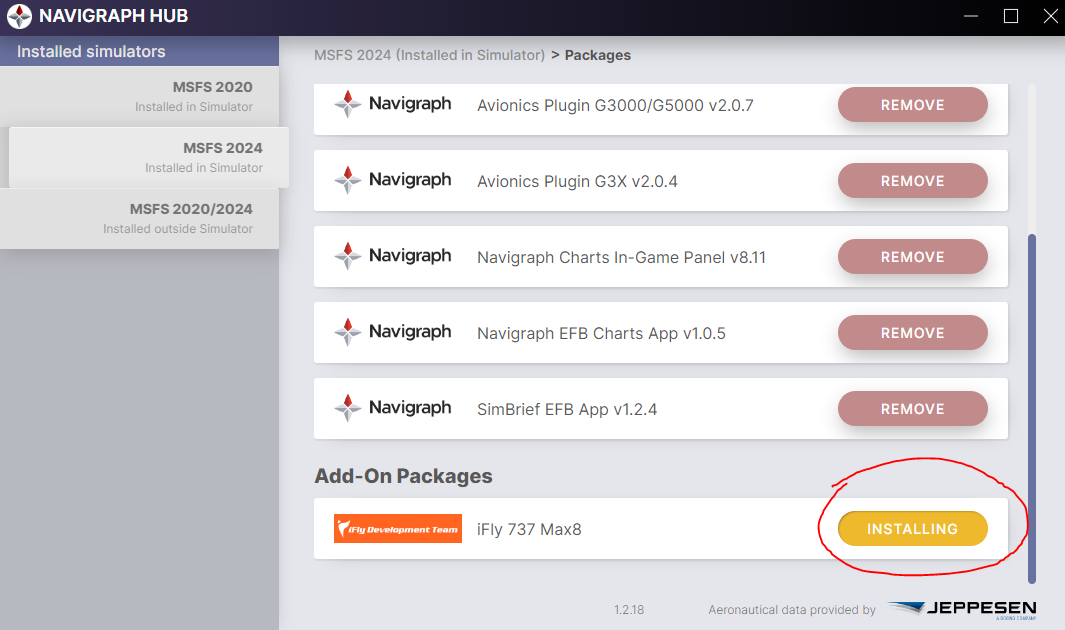
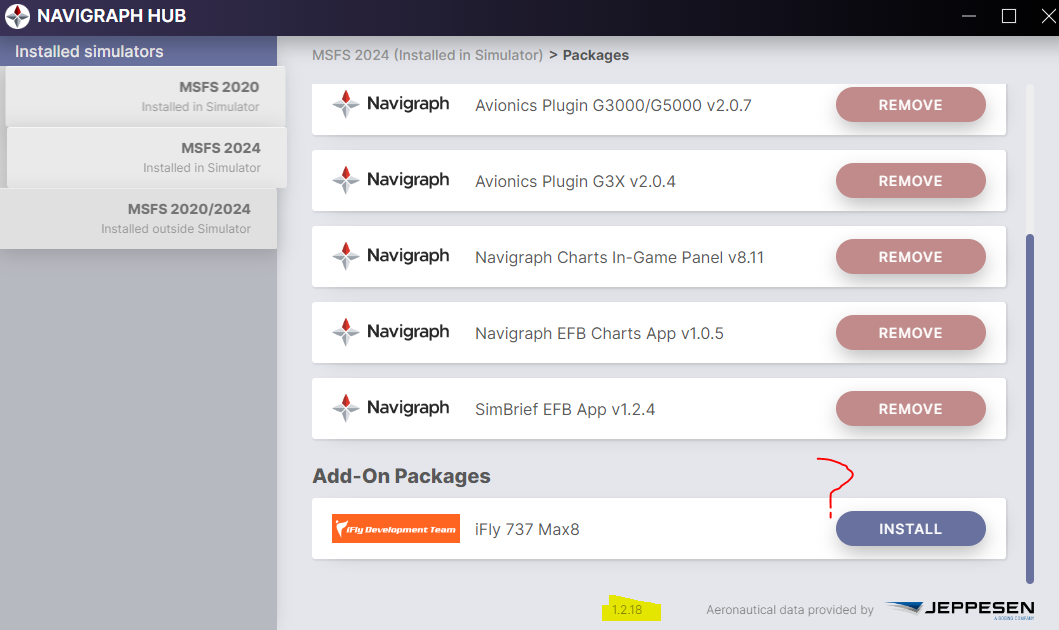
I click the Install button to update to AIRAC Cycle 2025 rev.1, as normal, and at first the button changes to “Installing”, as usual, and then to “Remove”. But then after a couple of minutes it goes back to Install again, suggesting the Hub cannot see the installed data.
The same thing happens for the other tab installing the Fenix A320 data - says it’s installing, then after a couple of minutes it goes back to Install again.
In terms of remediation, I’ve tried a complete uninstall and reinstall of the Hub, but this hasn’t resolved the issue.
I reverted back to SU3, and the problem persists. Navigraph Hub isn’t installing the Airac data for me.
Would someone be able to confirm for me where I should see the Navigraph data files installed to? I thought it was the Community folder; if it is then I can see that the Hub isn’t adding any files to that folder for me.
Really hope someone can offer some suggestions for how I can resolve this.
Its not working for me too… the same prolem. MSFS2020 and 2024.
I’ve already deleted content.xml, uninstalled it, and installed it. I’ve already checked my antivirus. But the problem persists.
I have tried that - complete reset/delete of content.xml, and then allowed it to rebuild with nothing in the Community folder so it was clean and fresh.
Then tried to install Navigraph data from the Hub, but the problem persists. The data is not being installed.
Turns out I’m not the only one with this issue, with @GREGPZ below also reporting the exact same.
So I found a solution which seems to work for me. The problem lies with the interaction between the way Navigraph Hub downloads and extracts nav data, and my Bitdefender Antivirus.
Navigraph Hub is using this folder to temporarily store the data before extracting it to required location:
C:\Users\*****\AppData\Local\Temp\Navigraph\
Adding an On-access exception to Antivirus for this location resolves it.
However, imo that’s not a particularly good solution. Better would be if Navigraph Hub used a different location which isn’t treated with such suspicion by Bitdefender.
What error message do you get in Windows? Do you also use Bitdefender?
We will release a new version that should solve that. If you have a different kind of error please post a screenshot.