Every time I opened Navigraph Hub, it will change my Scenery Package Order, also the content.xml, this is for the best working, I could understand it totally. However, it causes some problems with my scenery, and the really only way to solve it is changing my own scenery to the bottom of Scenery Package Order. Unfortunately, Navigraph Hub will redo my order when I open it. Therefore, how can I make Navigraph Hub don’t change my order? Thank you so much!!
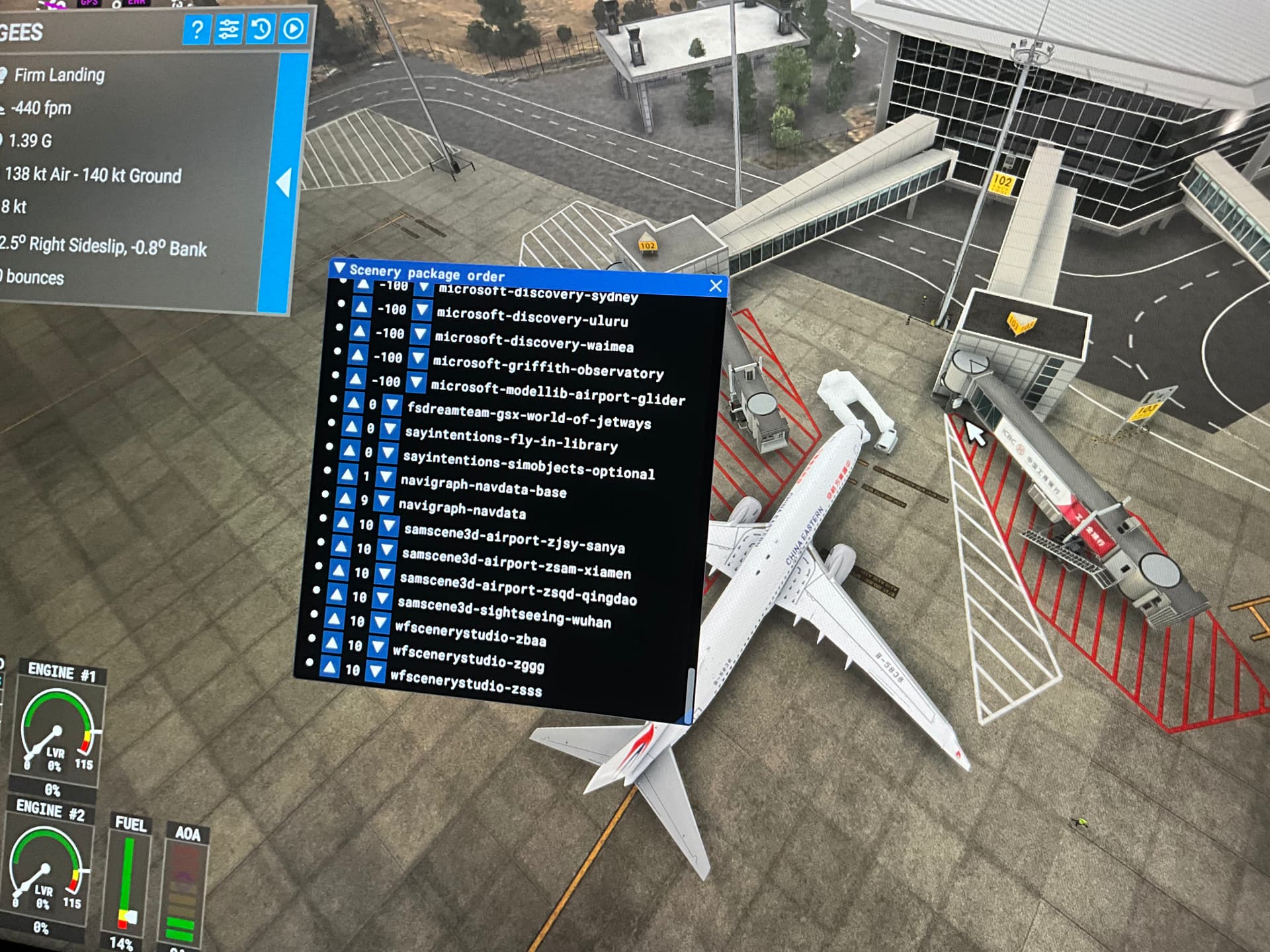
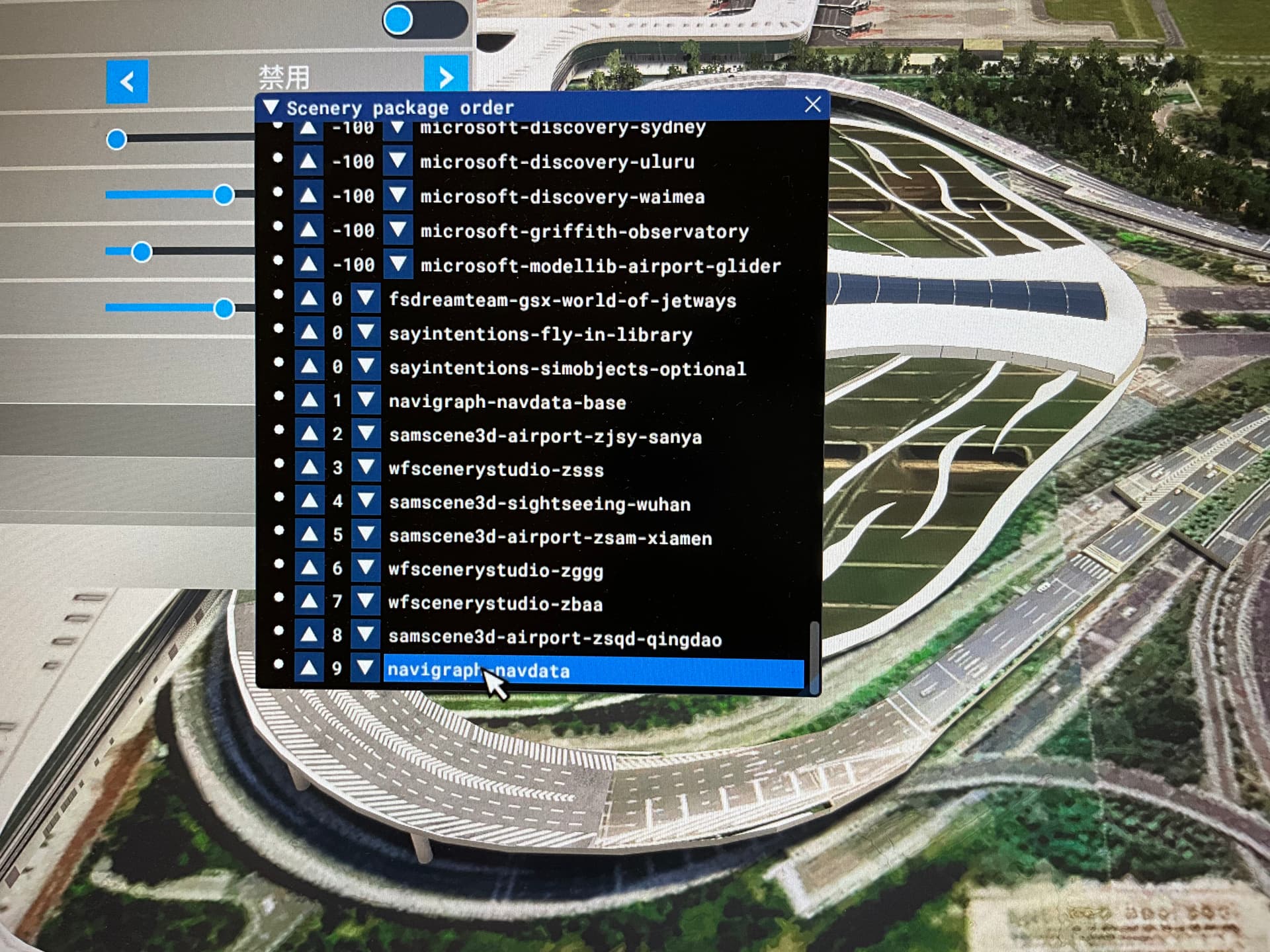
Hi,
First of all, thank you very much for your detailed report - I confirm this, and honestly, it is at the moment a “normal behavior” 
However, you are right; it should be possible to deactivate this automatic process in the background. Therefore, we will add the possibility to manually “overrule” this automatic process so that the automatic re-ordering will not be done by the Hub any longer. In other words, when you order your packages yourself, they will not be reordered by the Hub.
We will implement this feature and will roll it out with the next version. In the meantime, I would deactivate the “Run in the background”. That means when you exit the Hub, it will be closed and will no longer run in the background, nor reorder your content file, until you restart the Hub again.

However, we will implement a switch, allowing you to decide whether you want the automatic update or not. Thank you for the hint and your patience.
Cheers,
Richard
 Thank you so much!!