When I generate a flight plan in Navigraph Charts it is not copied to the MSFS2020 folder. I can go to Simbrief Downloader and click on Export Selected Formats and it copies the flight plan to the correct folder, then I can open it in MSFS2020 but Charts does not copy it automatically when it is generated.
Hi Jerry,
When you create a flight plan in Charts, you can use the Export button, to export it in different formats to the folder of your choice. You will be prompted as to where you want it exported:
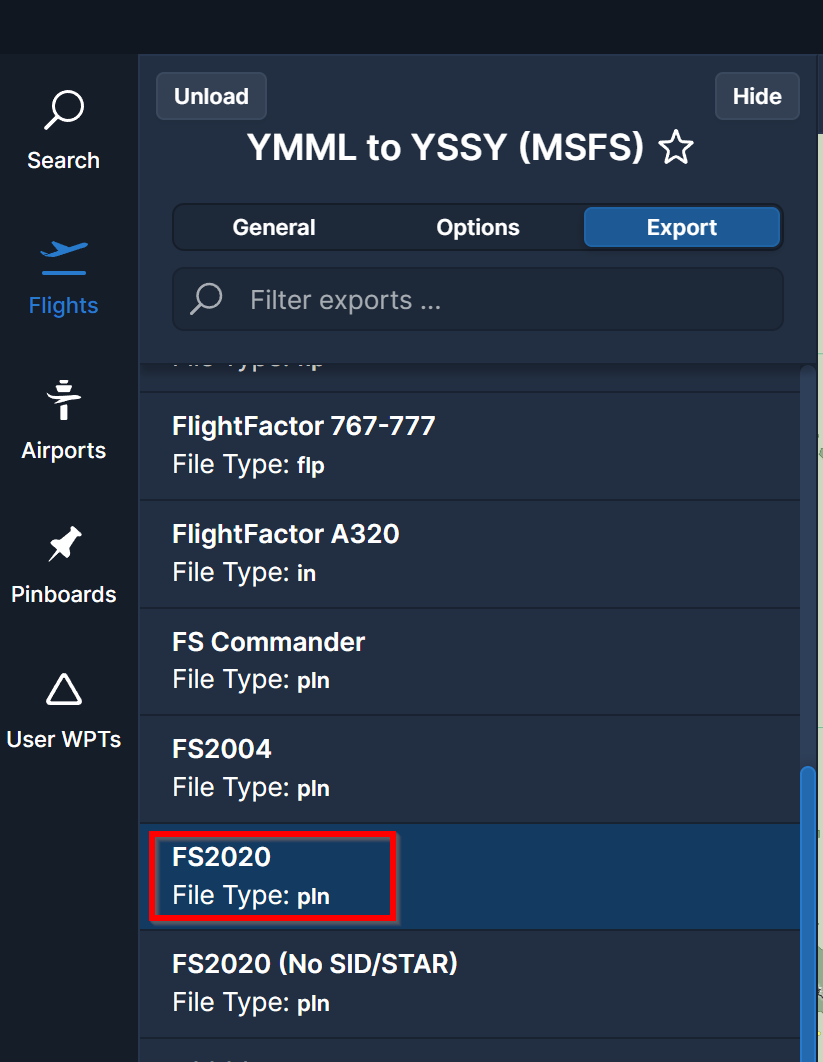
Choose the folder you normally load MSFS 2020 plns from. This is likely something like c:\Users\username\AppData\Local\Packages\Microsoft.FlightSimulator_8wekyb3d8bbwe\LocalState\:

Cheers
Ian
Before I switched to Windows 11 last week, when I was using Windows 10, when I generated a flight plan, Simbrief would automatically copy the plan to the MSFS2020 folder. Is there not a way to do that now?
I meant to say when I create a flight plan in Simbrief, not Navigraph Charts. It used to automatically copy the flight plan to MSFS2020 and a message would show on the desktop, what folder it was copied too. That no longer happens.

Thx, Just tried it and its working now.