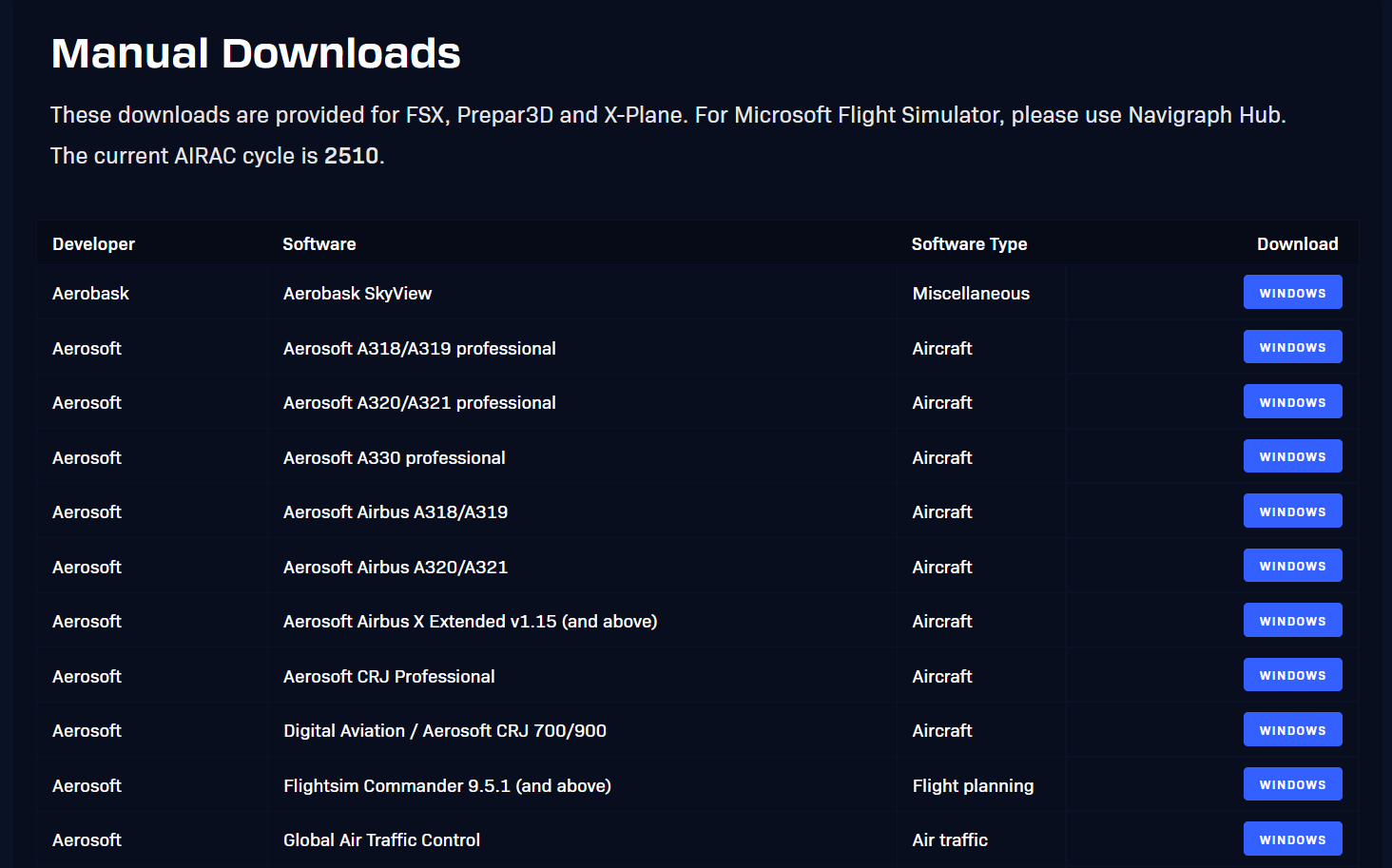
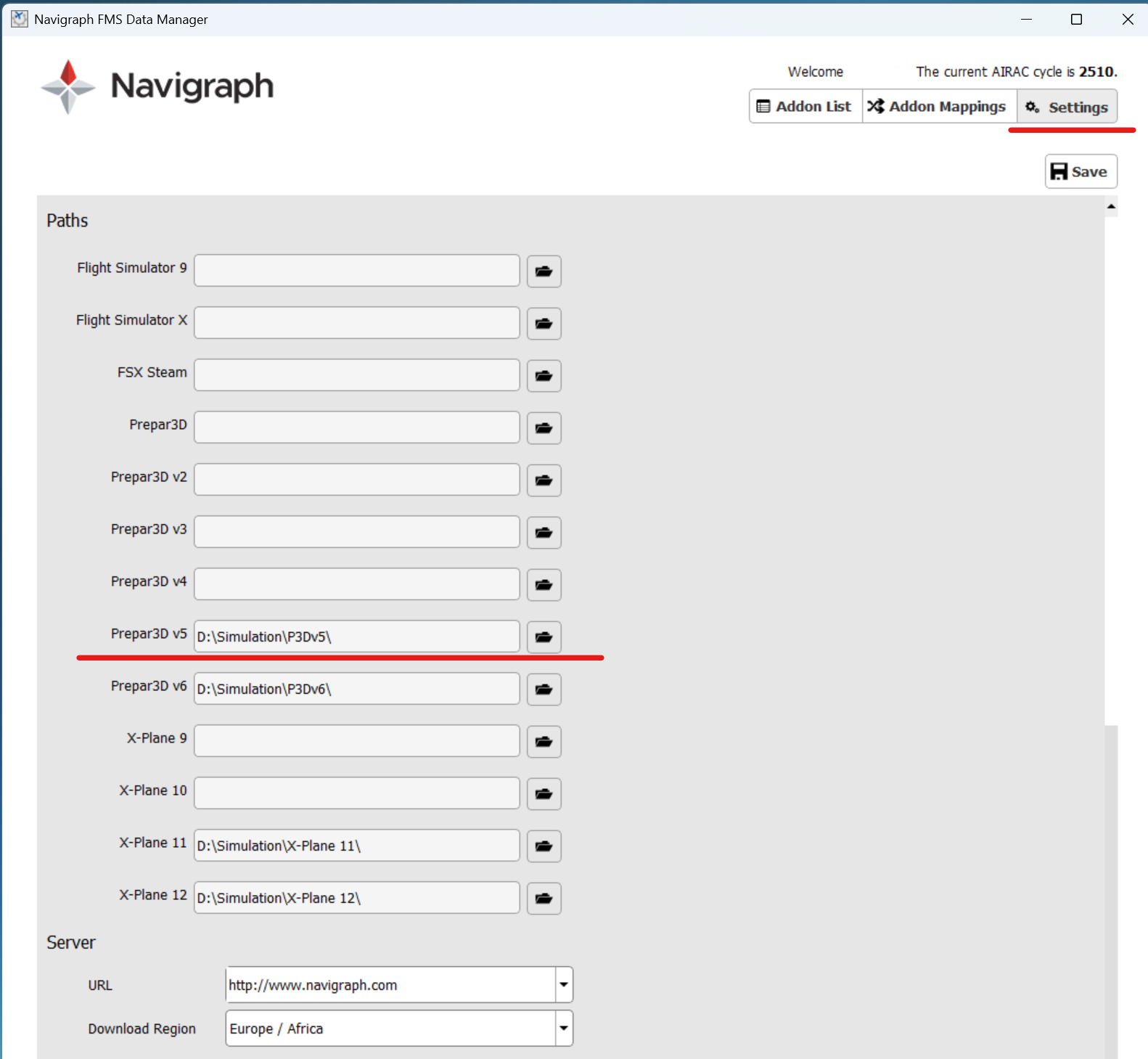
Hallo, nach Neuinstall auf Win 11 mit P3D v. 4.5 wird im Navigraph FMS Data Manager nur noch mein Activ Sky und v. Aerosoft A 318-330 gefunden und zZ auf AIRAC 2510 aktualisiert. Es wird nicht gefunden und aktualisiert mein von Ifly B 747, PMDG B737/800 und Topcat. Wird das nicht mehr unterstützt oder was ist da falsch?
Hello, after reinstalling Windows 11 with P3D version 4.5, the Navigraph FMS Data Manager only finds my Activ Sky and Aerosoft A 318-330, and is currently updating to AIRAC 2510. It doesn’t find or update my Ifly B 747, PMDG B737/800, and Topcat. Is this no longer supported, or is there something wrong?
Regards, Jürgen
Hello, after reinstalling Windows 11 with P3D version 4.5, the Navigraph FMS Data Manager only finds my Activ Sky and Aerosoft A 318-330, and is currently updating to AIRAC 2510. It doesn’t find or update my Ifly B 747, PMDG B737/800, and Topcat. Is this no longer supported, or is there something wrong?
Hallo, ich habe es heute ausprobiert, so wie Sie es beschrieben haben (anbei ich besitze das Win11) Leider hat sich da nichts geändert. Ich habe sogar im FMSClint die Datei settings.conf gelöscht. Musste mich dann neu anmelden, aber hat nur Active Sky und v. Aerosoft A318-A330 gefunden. Mir wäre es wichtig zumindest von PMDG B737 auch finden würde. Gibt es noch eien weitere Möglichkeit?
MfG. Jürgen
Hello, I tried it today exactly as you described (I have Windows 11). Unfortunately, nothing has changed. I even deleted the settings.conf file in FMSClient. I then had to log in again, but it only found Active Sky and Aerosoft A318-A330. It would be important for me if it could at least also find the PMDG B737. Is there another way?
However, it seems very strange that the FMS Data Manager doesn´t find a standard add-on (e.g., PMDG) for P3Dv4. I assume it’s more of an installation issue with the PMDG addon.
Hallo ,Danke für Deine Info. Ich habe soeben noch einmal PMDG B737 neu Installiert. Aber leider ohne Wirkung. Ferner fehlt ja nicht nur die B737, auch von Ifly B747 und Topcat auch. Diese waren früher alle vorhanden. Ich werde es mit den manual Download mal später versuchen!
Danke
Gruß
Jürgen
Hello, thank you for your information. I just reinstalled the PMDG B737 again, but unfortunately without success. Furthermore, it’s not just the B737 that’s missing; the iFly B747 and Topcat are also gone. These were all there before. I’ll try the manual download later!
Last, please upload the latest log file (after you have restarted the FMS Data Manager). You find the log files in this folder. Copy & paste this line into your Windows Explorer: %programdata%\Navigraph\FMSClient\logs
Hello, after reinstalling Windows 11 with P3D version 4.5, the Navigraph FMS Data Manager only finds my Activ Sky and Aerosoft A 318-330, and is currently updating to AIRAC 2510. It doesn’t find or update my Ifly B 747, PMDG B737/800, and Topcat. Is this no longer supported, or is there something wrong?
Regards, Jürgen