Siembrief flight plan upload to MSFS B737 PMDG tablet doesnt work. The error message pops up on tablet screen - check your alies or generate FlPlans at Siembrief.
Of course I generate the fplans and siembrief downloader directs the file to the correct folders. Alies at PMDG tablet are confirmed as needed.
Inspite of that the plan is not going to open at tablet
Any help?
Dezi
Hi Dezi,
Make sure your have selected “Detailed Navlog” when generating the flight in SimBrief.
Cheers
Ian
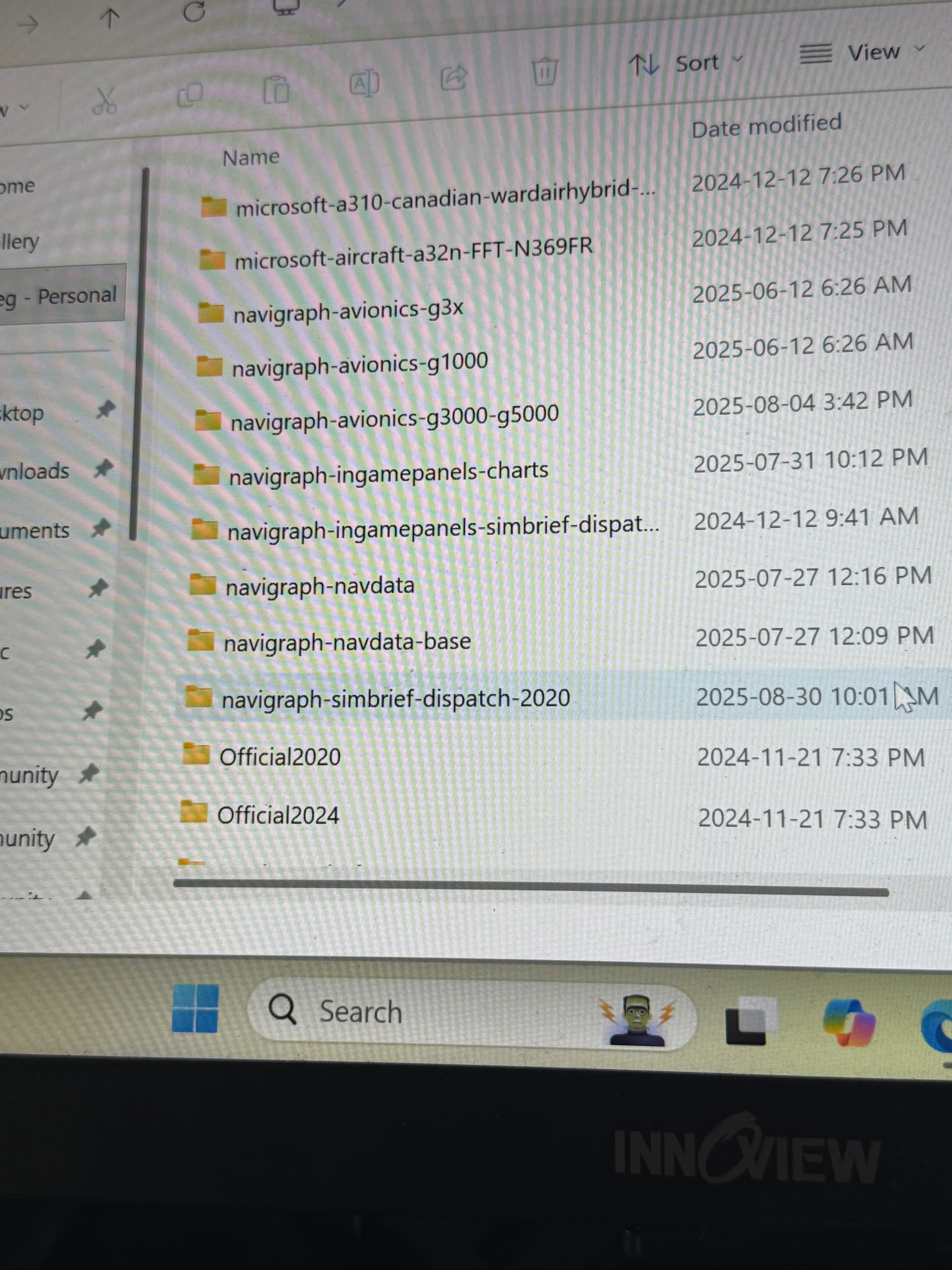
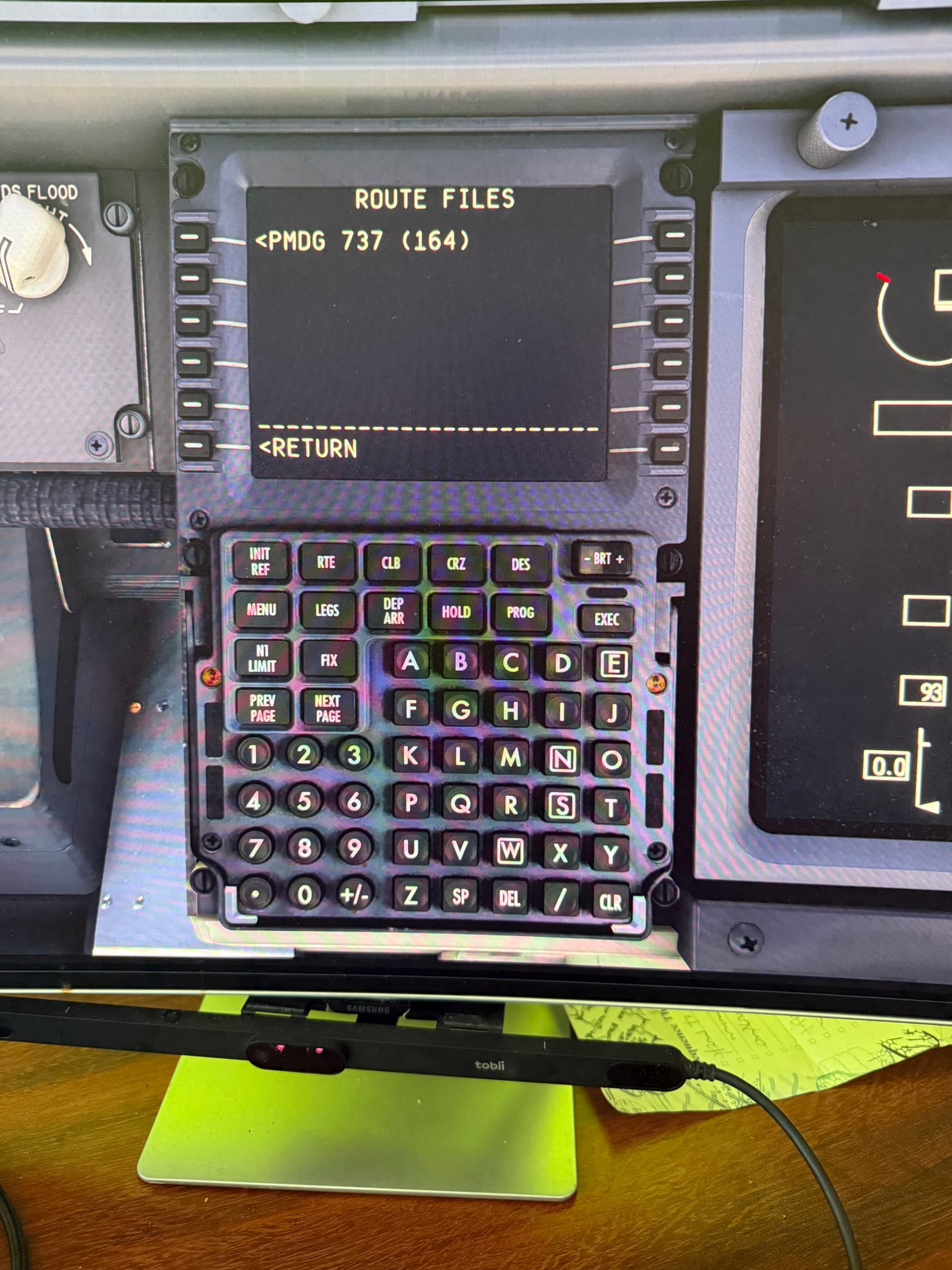
I wanted to go to MS24 (I can’t go there either) but now in 2020, I can’t get the PMDG to load Simbrief. Here are two pics where the first shows that the appropriate file is in the 2020 Community folder and the second is constantly missing to load the Simbrief file in the PMDG 737. Is it just the “weekend” or is something missing? I’ve been using it all along but there is a problem now.