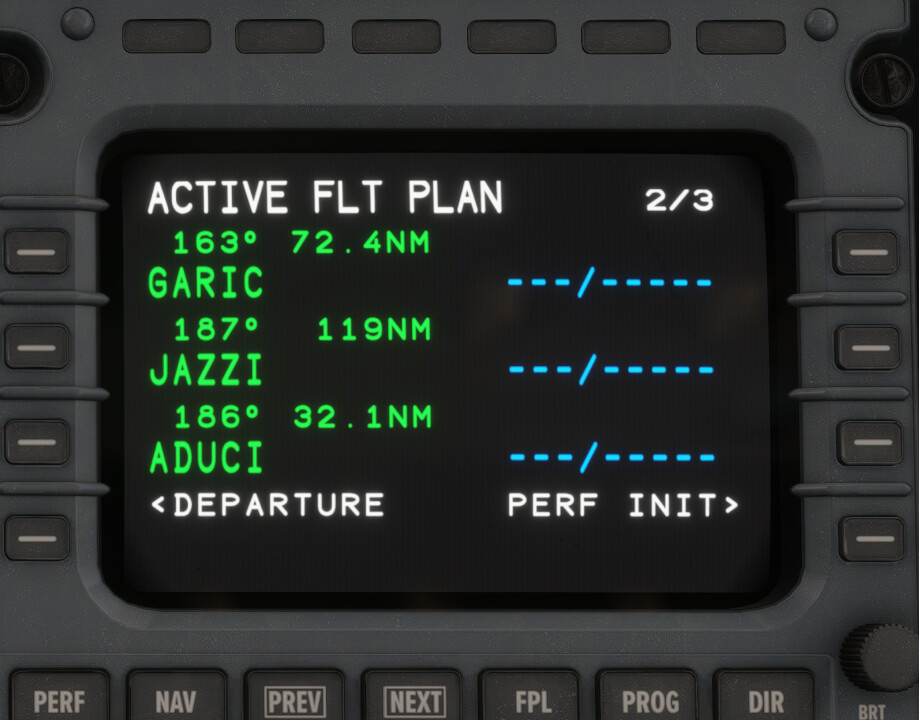
I have tried to do some research to see if there was anything the solved this issue, but I have not been able to. I was working to try and place the waypoint manually into the FMS and I get an error stating “FACILITY REQUEST FOR WYB" or clicking the softkey and the waypoint not entering. The waypoint I was having trouble finding was JAZZI. Here is the FPL:
Departure: KRDU | Route: ROZBO5 ROZBO GARIC JAZZI Y307 NUCAR Y355 SLUGO | Arrival: TNCM
*(Found when Simbrief FPL Import worked, it loaded the fix but that feature isn’t consistently working)
Aircraft: Multiple 3d Party and base level aircraft
Hi,
Only to be sure, because you didn´t write it, but can you confirm that you haven´t installed any third-party sceneries? So, you really use the stock scenery of MSFS for PC?
I am using some 3D party sceneries. Sorry I left it out. I know you replied to me in a different thread but you told me that “priority = 900” is no longer needed, but if I don’t do this with the current build of MSFS2024, I lose access to certain approaches. Any advice?
Hi,
When you must use the priority, the scenery is not 100% SU3 compatible.
There were a lot of changes between SU2 and SU3 according to the loading process of the different packages (scenery, navdata, aircraft, etc.). When the scenery doesn’t fulfill these requirements, such strange issues result.
Try to remove all these scenes and look what happens. In 99.9% of cases, such issues come from bad scenery.
From SU3 on, you need the priority only, when the scenery itself has terminal procedures inside and you want to use it.